The Best AI Tools for Game Development in 2026
If you look back five years ago, you will maybe find some mentions of Artificial intelligence (AI). But they will be rather speculations, and much less like a part of serious conversation. Today, there’s no game development conversation going on without AI. Not to mention other development areas. To put it even more drastically, there’s no development without AI.
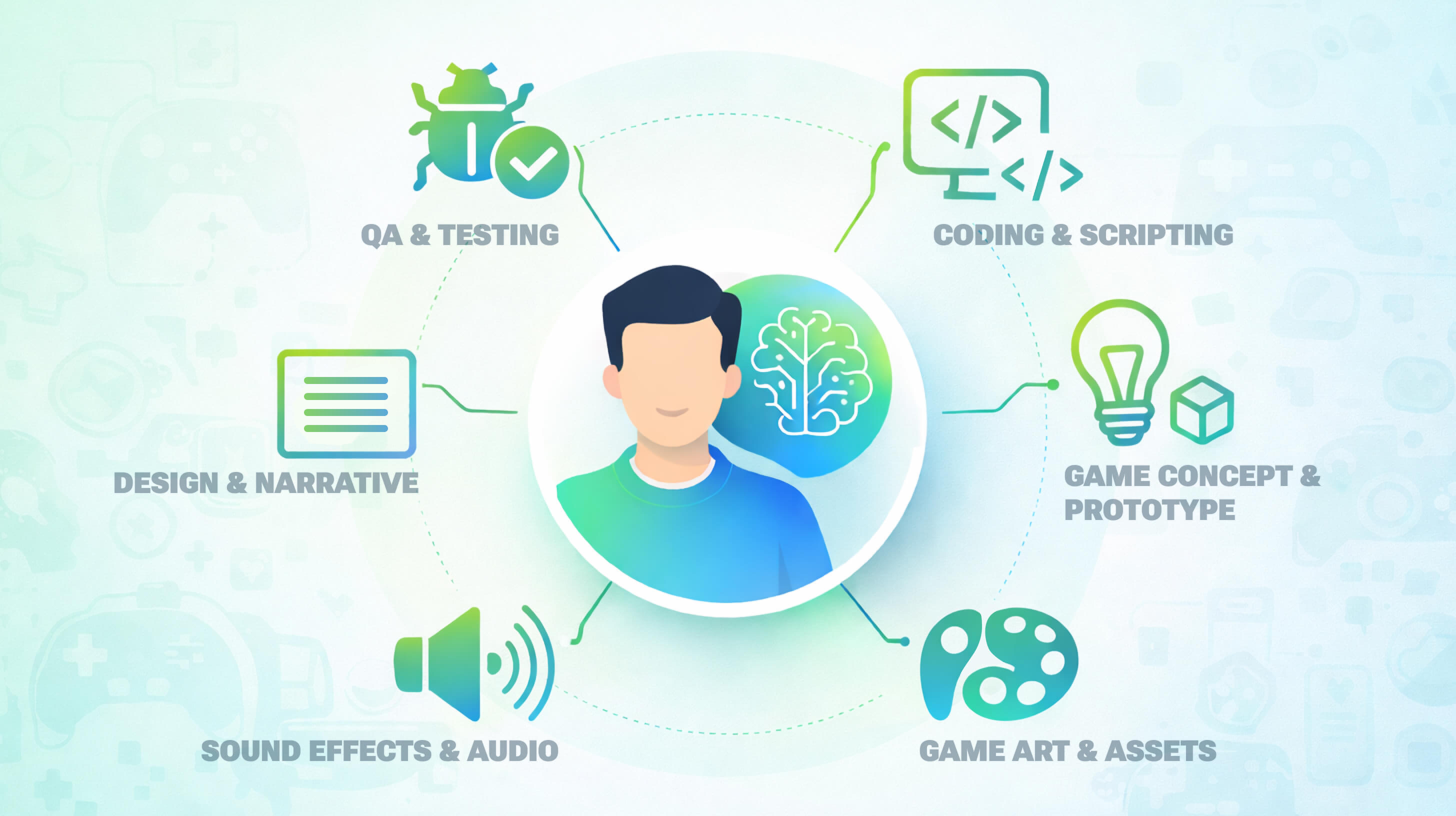
And it is no wonder: AI is changing a lot of things. The number of trends affecting game development workflow are actually insane. Game development studios are using AI to:
- Speed up asset creation
- Assist with coding and scripting
- Automate testing and QA
- Design smarter NPCs
- Prototype levels faster
- Generate dialogue and narrative branches
And if you think this is just for AAA teams, you are wrong. Smaller studios and solo devs are adopting AI game development tools for a reason. They have faster iterations that are very hard to match with your own staff. And yes – much fewer repetitive tasks. All that, in the end, leads to better output quality. 87% of game developers are using AI agents in their workflows as of 2025.
That’s why AI in game development has become highly important. And since there are a lot of AI tools, choosing the best ones might be harder than it looks.
The Fgfactory team integrates AI tools across every stage of the game development pipeline to accelerate production and deliver high-quality results aligned with business requirements. With over 16 years of industry expertise, we combine human creativity and expertise with AI capabilities to make informed decisions, optimize workflows, and deliver clear, measurable value to our partners.
In this guide, we’ll walk through the best AI tools for game development, organized by the development pipeline. We will take a look at concept, prototyping, design, coding, and QA stages. You’ll also learn how to choose the right tools.
So, are you ready?
How AI is Changing Game Development in 2026
How exactly do development teams use AI tools these days? Foremost, Artificial Intelligence is not something in the corner of the pipeline. It’s literally everywhere, and it is one of the biggest allies for developers.
If you look at the bigger picture, you’ll see that AI is being used from the very beginning (the first concept sketch included), and to the very end (final regression test). AI in game programming and design workflows has become an almost unreplaceable part, even though it appeared not so long ago.
These tools are not only helping to generate art, or help code, but they do something much more vital: they simulate gameplay dynamics very quickly. And once you have it simulated, delivering a quality product is much easier.
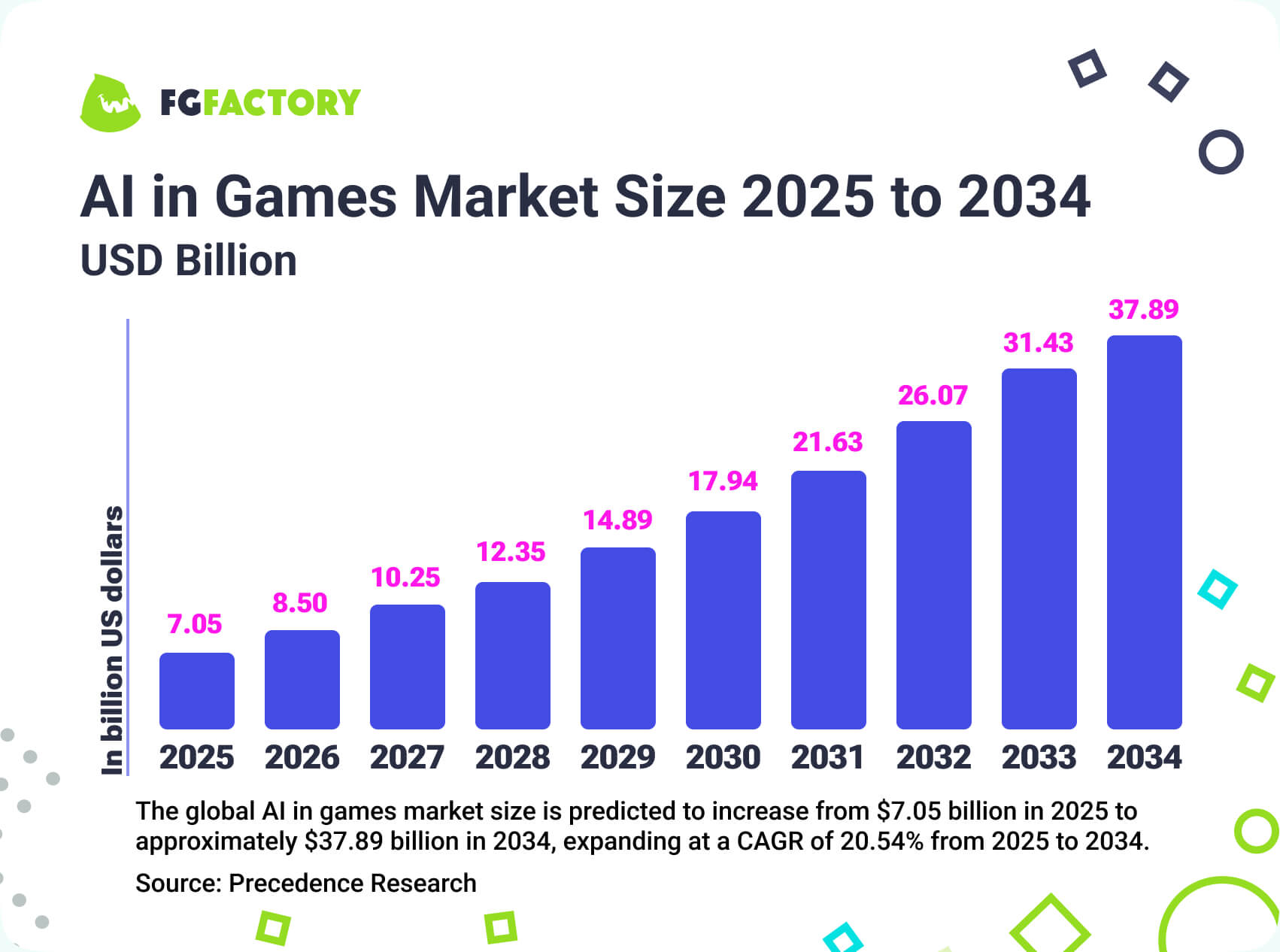
That’s why the Artificial Intelligence (AI) in Games Market size is growing so fast:
The biggest benefits for development workflow lie in the huge reducement of manual labor. When artists or developers can save their time and energy on truly demanding tasks instead of repetitive ones, there’s higher quality in the final work.
If you put it simply, AI allows teams to work really smarter, and stop spending too much time on hard, but no longer necessary aspects. AI in game development is perfect for saving time and reducing manual work that most developers used to hate.
Did You Know? AI-generated branching dialogue trees can reduce narrative prototyping time by up to 60% in early design stages.
Design & Narrative: From Blank Page to Playable World
World-building used to be quite a hard thing that would take weeks only for logical creation, and even more time before you had something interactive. How exactly do AI tools simplify this part?
AI tools for game development can help generate:
- Character backstories that are detailed, contain unique twists that explain why that particular character turned out to be a certain way. AI can quickly produce variations, so the creators can explore different narrative ideas.
- Branching dialogue trees that are changing according to the actions of the viewer.
- Lore frameworks which is one of the most important things for any gaming universe, and explains its rules, politics, structures, mythologies, factions, timelines, and internal logic.
- Quest structures including main quests, side quests, and emergent objectives.
- Procedural environments like landscapes, cities, or even dungeons. This is very useful for games with open worlds.
Designers, contrary to a common fear, are not being replaced. They rather have a tool (or the whole set of tools) that helps them to proceed quicker.
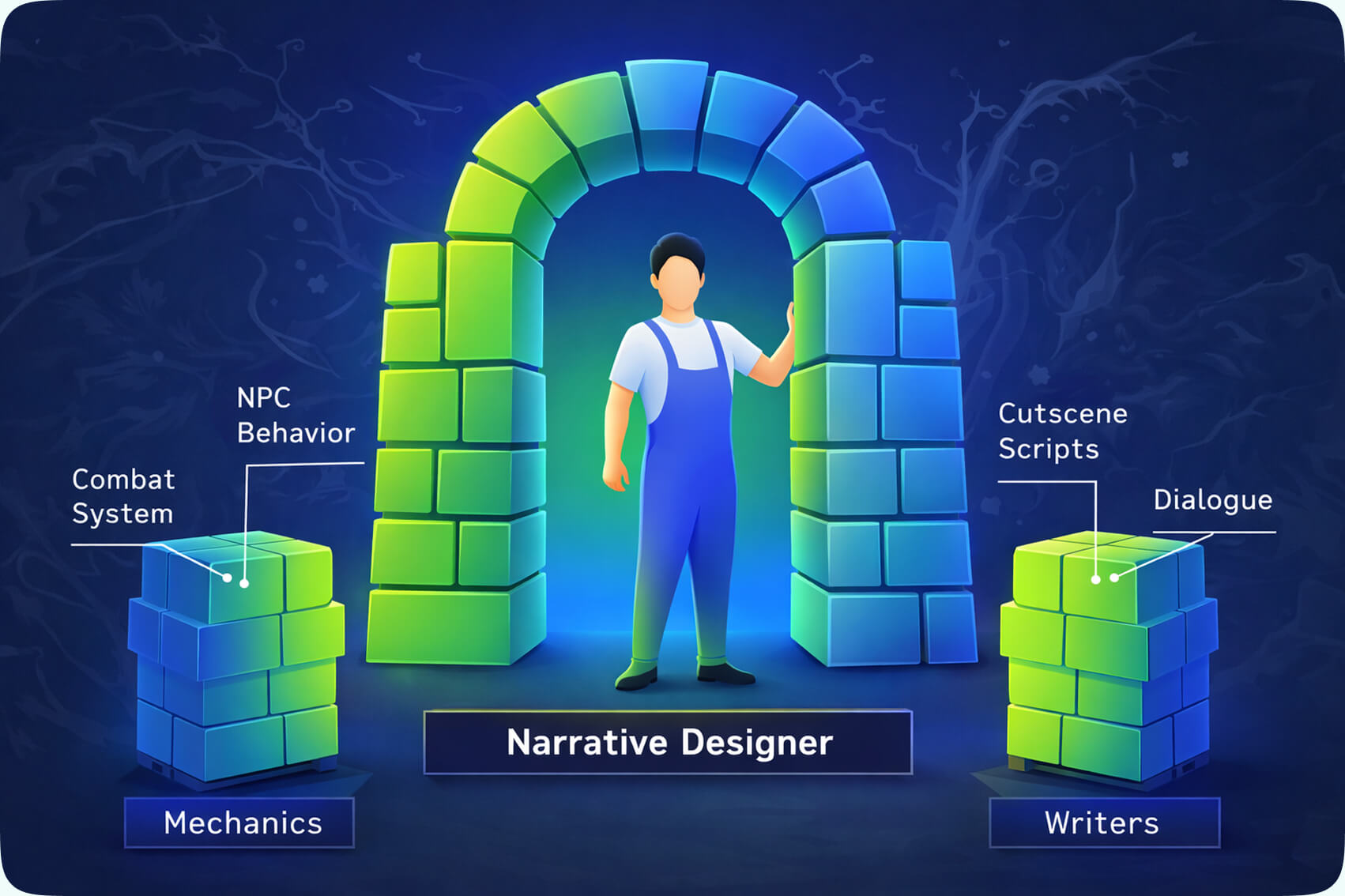
How does it look in practice, though? If before, you had to start with a blank document or at least with some notes you had, today, you can start with structured drafts. Of course, if you have notes, that’s only better.
Moreover, you don’t need to manually balance every stat combination, because AI can simulate thousands of scenarios in seconds, and you have to choose the preferred ones. AI tools for game design are really helpful here. They accelerate ideation, but they don’t kill creative control. You still decide what matches your story, and what generally works for your game. AI just helps you explore more possibilities, and, frankly, does it much faster than you could.
For many teams, this is the first real opportunity to scale their creativity.
Coding & Scripting for Making Development Easier with Fewer Issues
Yes, fewer bottlenecks is one of the biggest sources of freedom and time savers for game developers. In fact, developers are not even writing every function from scratch. They’re doing it with AI.
Modern game development AI tools can:
- Suggest optimized code
- Generate boilerplate systems
- Refactor messy logic
- Detect potential performance issues
- Translate pseudocode into working scripts
It also helps game developers to grow. For example, for junior devs, AI acts like a senior reviewer. But if you are already a senior dev, you can use AI as a productivity helper. With that, you can have – yes, again – less (much less!) repetitive tasks and faster implementation of features.
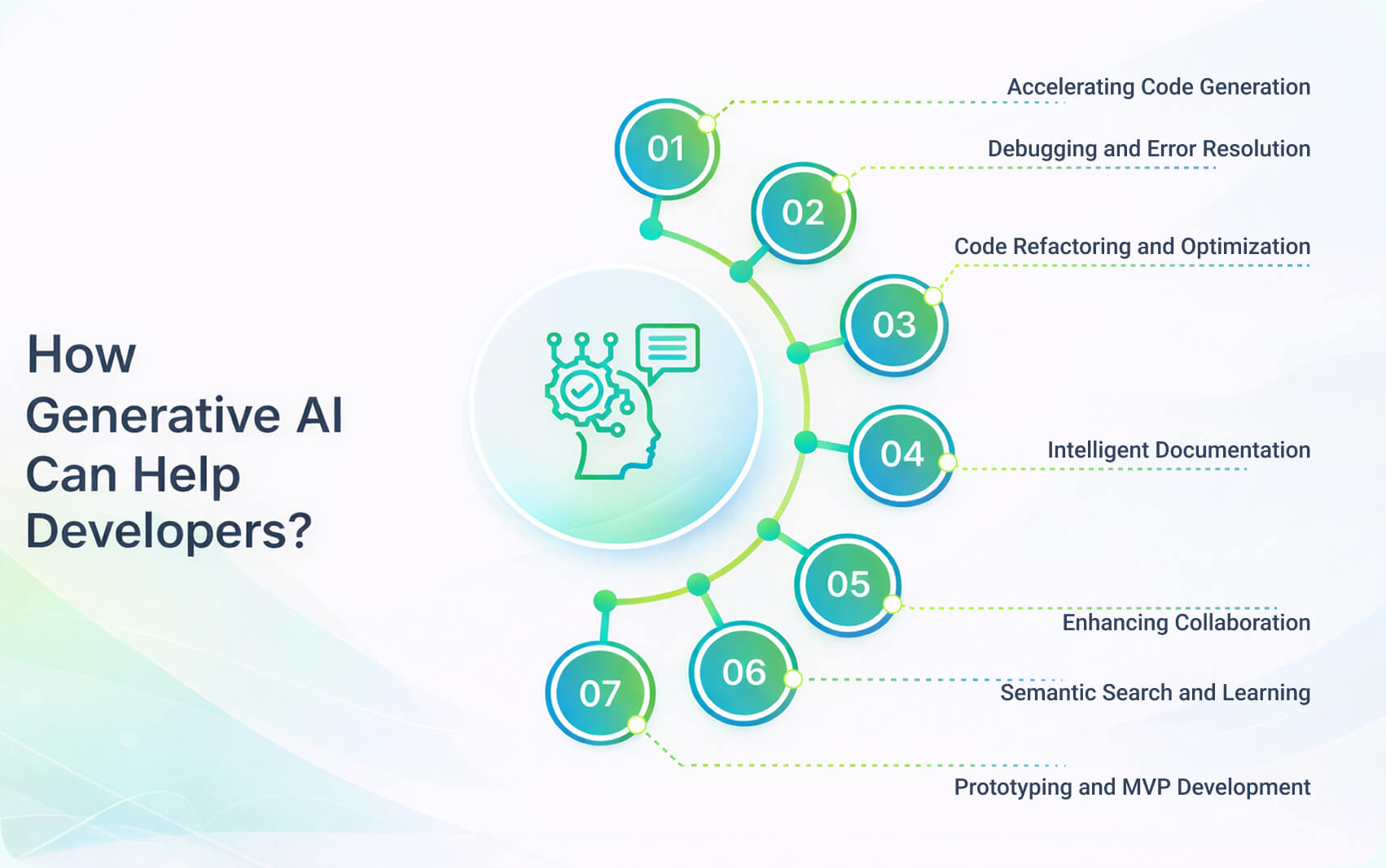
AI solutions for game developers, at this stage, become very, very practical. Developers still architect systems, but they can also use AI game development tools to speed things up and make execution a few times faster.
Today, speed matters not only in competitive production cycles, but everywhere. It is hard to underrate now how AI coding assistants help to make workflow more mature and fast. First, by reducing routine tasks, and second, by helping with engine integration. Copilot and Claude Code are known to be the top choices for these tasks.
For example, if you are working in Unity, Unreal, or proprietary engines, game development AI tools just take the most boring and time demanding part: the work on repetitive scripting patterns.
And again, the main benefit here is speed. Just because you can implement game mechanics insanely fast. With AI, you literally just need a few hours, while in the past it would take a few days at best. Thus, you can test more ideas, and be more flexible when it comes to choosing the main one, without worrying about time limits.
Did You Know? A 2024 controlled study by researchers from Stanford University and MIT found that developers using AI coding assistants completed programming tasks up to 55% faster compared to those coding without AI support.
AI for Sound Effects and Audio Content
One of the most expensive and time-consuming areas of development is audio production. Or, rather, it used to be that. Now, AI audio tools are very good for prototyping on early stages of game development.
Of course, the final choice of audio still needs people. Actually, even though AI tools are speeding things up, it doesn’t mean human creativity or ideas have to be put away. On the contrary.
So, when in the final stage people edit audio for a better emotional impact on the game’s tone, it is the best use of AI tools. They provide you with the materials for testing, and you are refining the result.
AI in Testing & Quality Assurance
Ask any game development studio about the most resourceful stage, and they will roll their eyes saying it is all about quality assurance.
Now, AI supports QA teams through simulations, stress testing, and balance anomaly detection. In the past, you’d have to do everything manually. For example, replaying the same sequences after each update, which takes a lot of time.
AI systems can simulate thousands(!) of player paths overnight. It is extremely beneficial for live games, because they receive updates very often. This is how AI game development tools can deliver ROI that you can measure. Now, imagine how shorter a production cycle could be!
Top AI Tools for Game Development in 2026
There are hundreds, if not already thousands of game development AI tools. And such a number is only making it harder to choose the best ones. That’s why we’ve created a list of AI solutions for game developers you can use for all the processes.
AI Tools for Game Concept & Prototype
Let’s start with first, and probably one the most definitive parts of game development: game concept and prototyping.
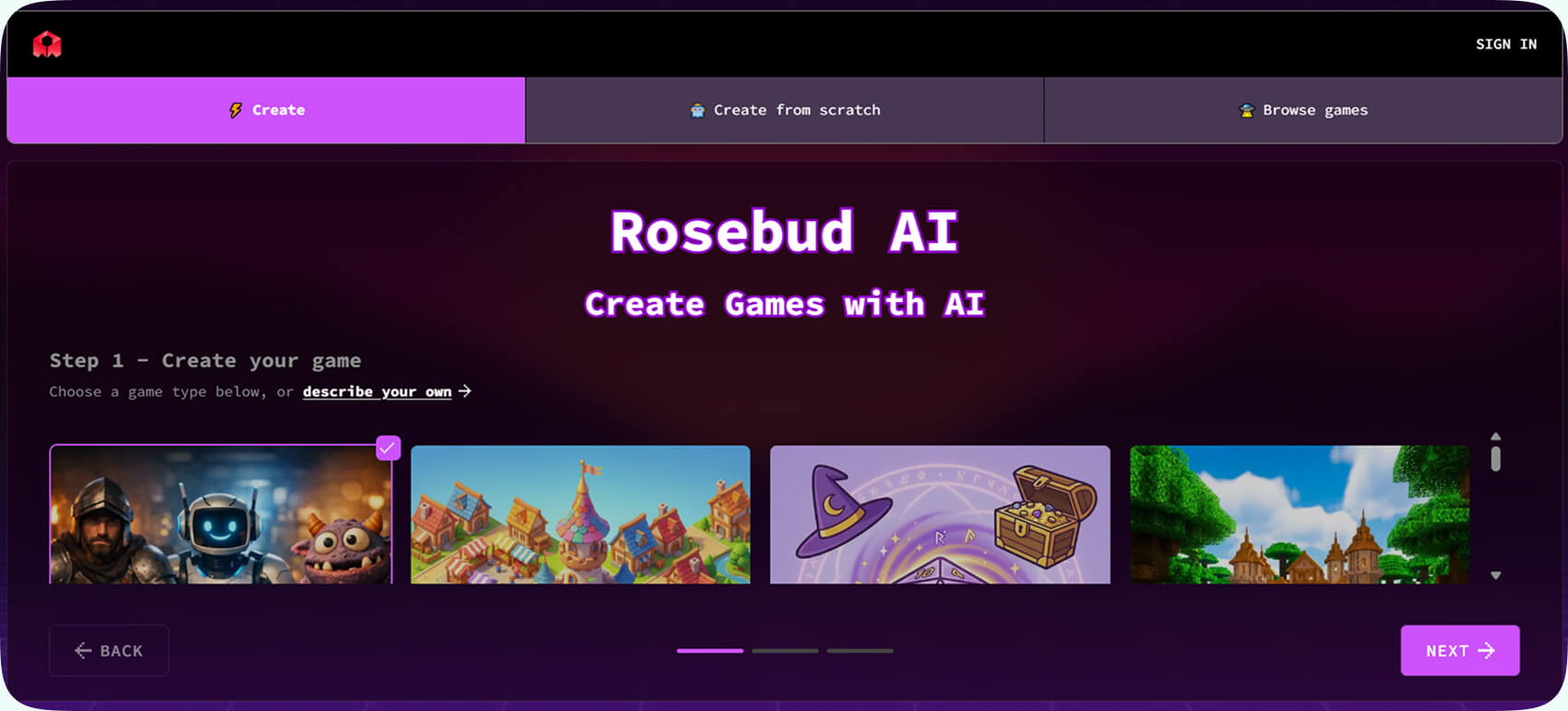
Rosebud AI
Category: Concept generation and rapid prototyping
Rosebud AI is, in a way, what developers were always dreaming about. This tool allows you to describe the game you want, and… start building it immediately. So, as a creator you can just use simple language prompts to have completely playable game structures, and mechanics. And no, you don’t need to code.
For example, you can request something like “A 2D platformer with wall-jumping and pixel art enemies”. And you’ll get something interactive to work with.
Key features:
- Game creation based on prompts
- Automatic generation of mechanics and scripts
- Built-in art generation
- Fast iteration and no need for deep coding
Where it fits in the pipeline: Best for the very early stage, you can use it for ideation and experimental prototyping.
Ideal use case: When you need to test a mechanic or gameplay loop to decide what you are going to take into the stage of further engineering. It could be great for solo devs or small teams. Especially, if you’re on the clock, and need to explore multiple ideas quickly.
Ludo AI
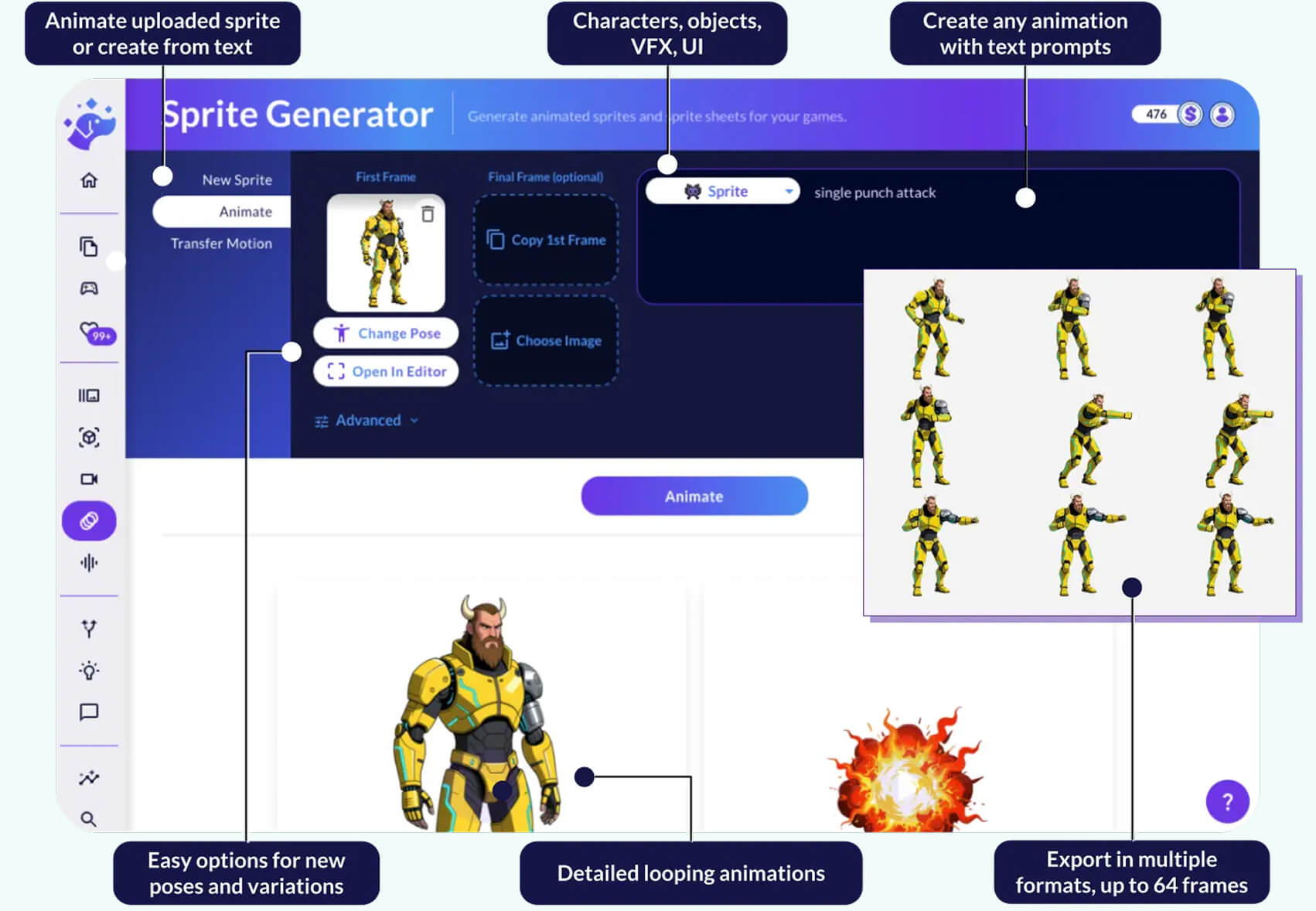
Category: Ideation, research, and early asset exploration
Ludo AI is a unique tool because it makes creative generation in the context that matters. To be more precise, it adds market research. So you can hone ideas with this tool, but also see and understand where those ideas sit in the industry.
You can do a lot of things with this tool – generate concepts, create visual references, and explore mechanics. You can also back up your creation by analyzing trends in specific genres and make it closer to the industry standards at the moment.
Key features:
- Game idea generation
- Analysis of market and genre
- AI-generated images, sprites, and asset references
- Competitive research tools
Where it fits in the pipeline: When you are still on the pre-production stage, and only doing strategic planning.
Ideal use case: If you need to validate whether a concept makes commercial sense, this tool is a great choice. For designers, it could be greater when they are researching mechanics or themes before pitching internally.
Lovable
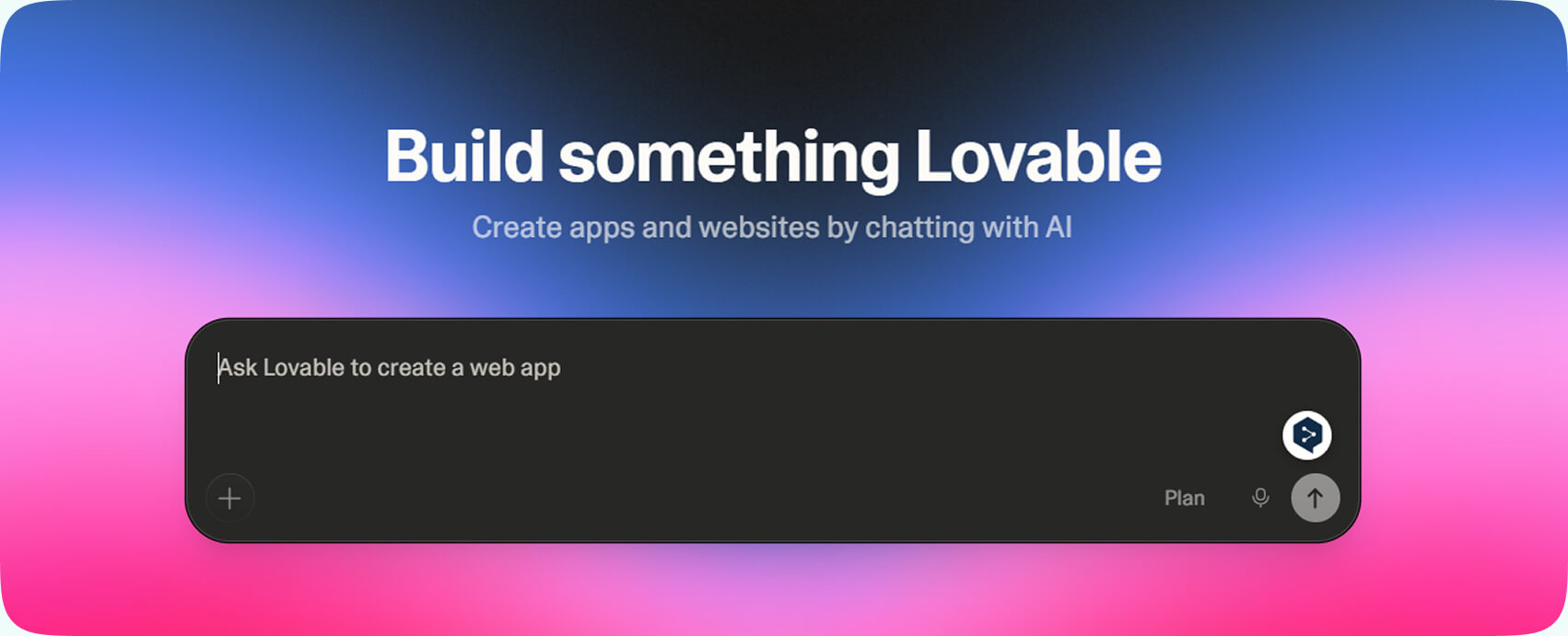
Category: Rapid product and gameplay prototyping
Lovable offers its users to start with simple, natural prompts, and receive functional prototypes. Yes, if you are thinking that this is not only about gaming, you are right. Its application can be broader.
However, it’s extremely useful for early UI flows and menu systems. Plus, if you need interactive concepts for your development processes, this is the tool.
Key features:
- Prompt-to-prototype generation
- UI flow creation
- Fast functional mockups
- No heavy upfront engineering required
Where it fits in the pipeline: Concept validation and UX exploration.
Ideal use case: If you need to test gameplay structure, menus, or other things before you let any engineering resources get invested into ideas.
Replit
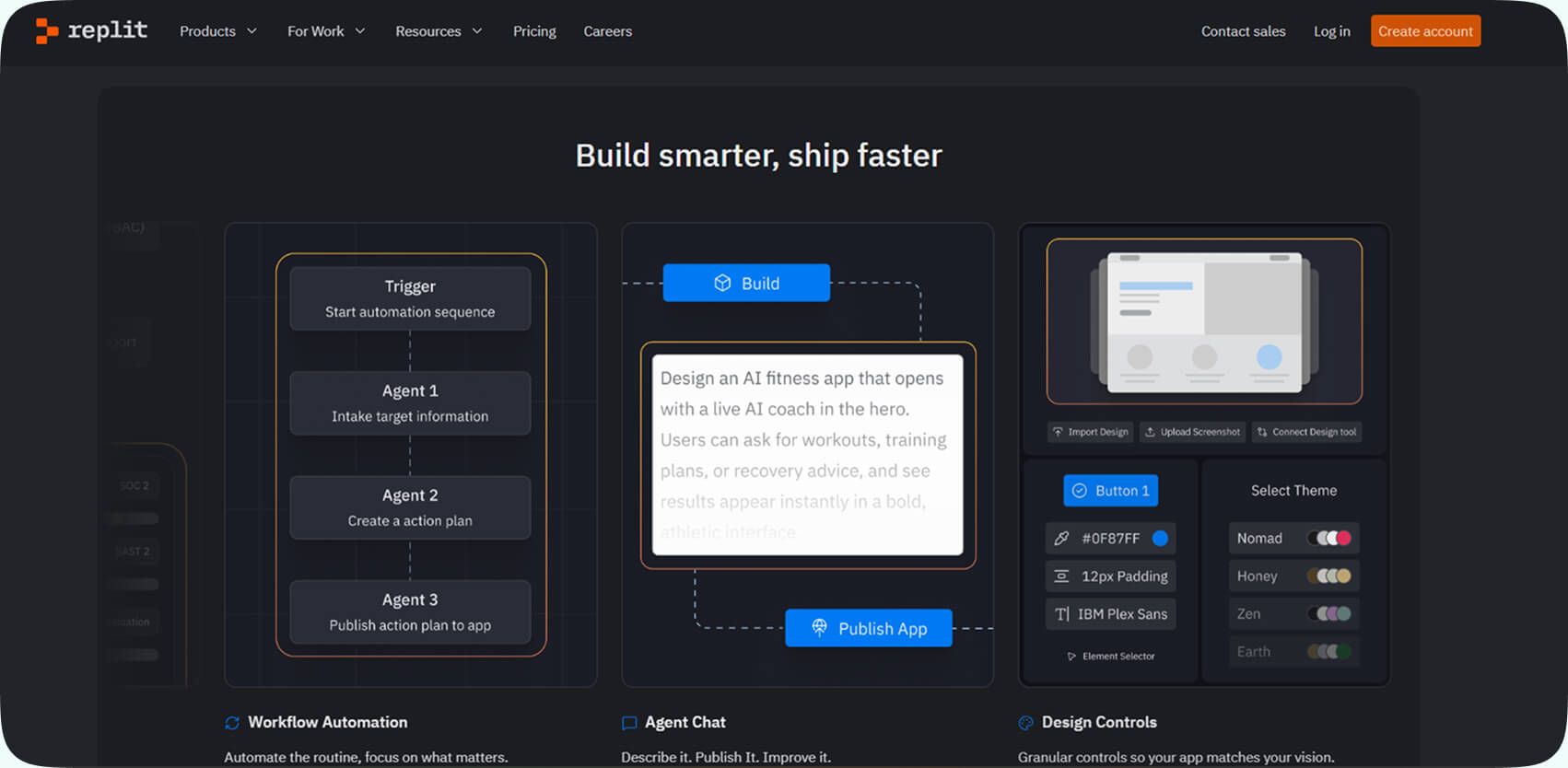
Category: AI-assisted collaborative coding
Replit is a browser-based development environment that also offers AI coding assistance. However, it is not a traditional game engine. Yet, it is still a great choice for experiments with scripting and multiplayer logic prototypes. If you want quick gameplay tests, this is also something Replit can do well.
It is a collaborative tool, so many developers can work on the same project in real time.
Key features:
- AI suggests coding
- Browser-based environment
- Real-time collaboration
- Quick deployment and sharing
Where it fits in the pipeline: Early phases of technical experimentation and testing for the gameplay logic.
Ideal use case: If you need to see how multiplayer mechanics work, or experiment with gameplay systems. Plus, it is good for speed requirements. For example, you can build proof-of-concept demos quickly.
Mixboard
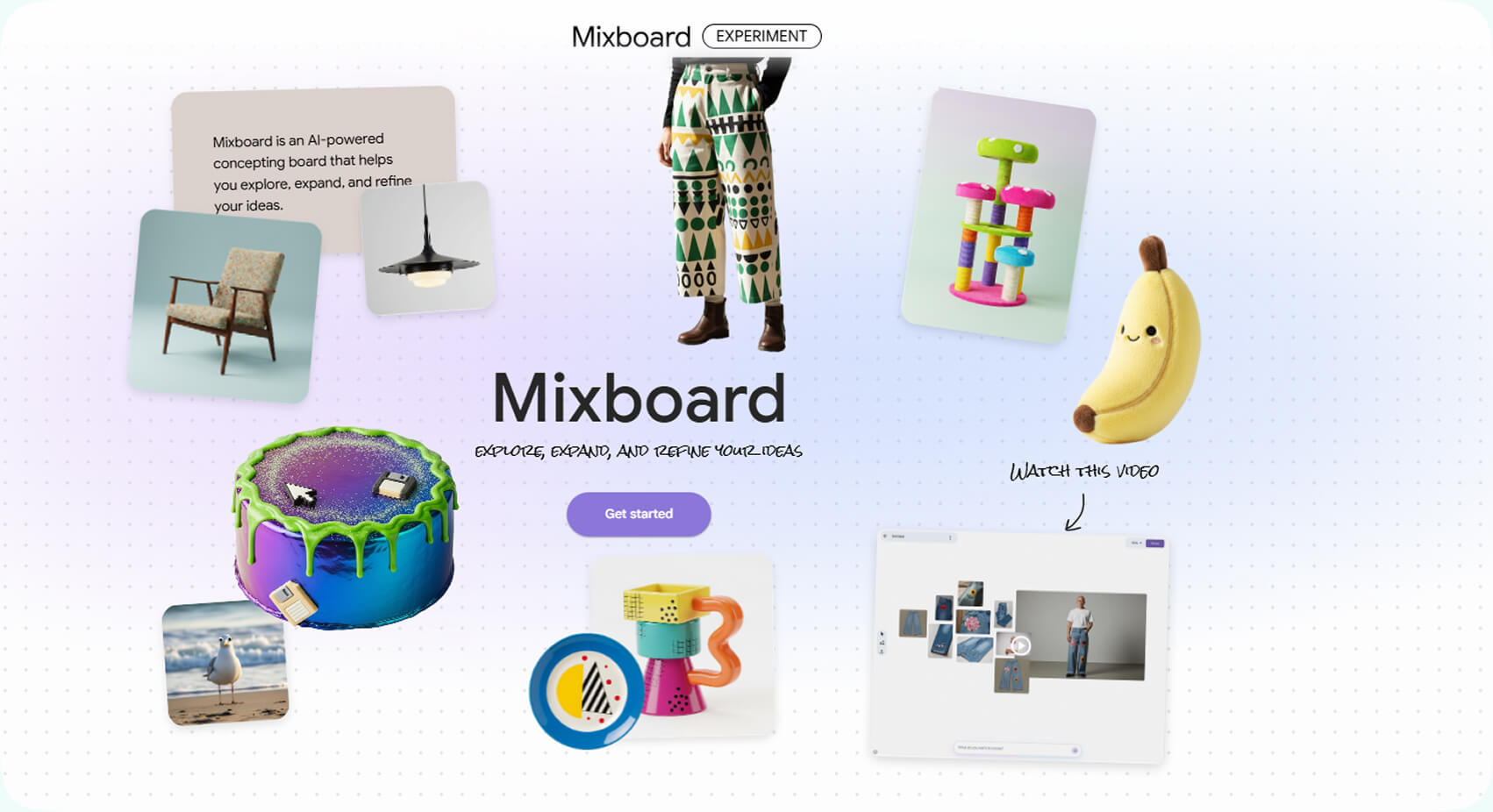
Category: Visual concept exploration
Mixboard by Google is designed completely for visual parts of game development, and it is one of the best AI solutions for game developers in this particular niche. You can do visual brainstorming and creative exploration through mood boards that are fully AI assistants.
Teams can experiment with styles, layouts, themes, before they choose one thing they are ready to commit to fully in asset production.
Key features:
- AI-assisted visual generation
- Style exploration
- Mood board creation
- Fast iteration of visual themes
Where it fits in the pipeline: Very early visual direction stage, where you still need to understand what style will fit the game and what visual themes, in their subtlety, are the best to choose.
Ideal use case: Art teams explore and figure out one shared tone and style before starting production assets. This is also a great tool for exploring ideas and how they communicate on the moodboard. In this case, the usage of AI tools for game design might lead you to unexpected ideas and turns.
Perplexity

Category: Research
Perplexity is a great tool for different processes, including game development. Since it is an AI-driven engine for answers, you can fetch interesting info for your projects or even look at the broader marketing picture in your niche. Designers and developers can use it for research, and there’s no limit to it: similar games, market trends, technical approaches, monetization strategies, genre mechanics.
Of course, manually going through articles and forums still makes sense, but Perplexity can get you structured data summaries quickly, often finding fascinating insights.
Key features:
- AI-powered research summaries
- Source-backed answers
- Market and competitor analysis
- Fast technical exploration
Where it fits in the pipeline: Research information about your genre, what other teams have done in it, and also taking a deep summary of the technical backbone in the similar projects. It can be used for planning marketing activities too, based on data you gather from competitors.
Ideal use case: If you need to learn about comparable games, take a look at the mechanics to validate your own, or understand emerging trends before green lighting a concept, this is one of the best tools, not only for game development.
AI Tools for Game Art & Assets Creation
Art production is not only slow and expensive, but it’s also one of the biggest bottlenecks once your project is out of pre-production. So, AI tools for game development should be embedded in art pipelines, helping artists to move much faster.
Leonardo AI

Category: Generation of assets and textures
Leonardo’s main idea is to generate production-friendly game assets. You might say that there are general image generators, and they are also suitable for production. However, Leonardo AI is tailored specifically toward textures, item designs, icons, environment pieces, etc. In other words, it can easily deliver visuals that fit into a game’s demands.
Key features:
- Texture generation
- Item and character concept art
- Asset variations
- Control over lighting and detail
Where it fits in the pipeline: Concept art, texture creation, and early asset blockouts. It also fits well during pre-production and vertical slice development, where speed matters, and you don’t need to have perfect objects at that point.
Ideal use case: During the prototyping phase you can generate various assets. That can be anything you need: characters, environment concepts, or material textures. From the other perspective, such an approach reduces the dependency on large art pipelines.
Midjourney

Category: Concept art
Midjourney was one of the first AI tools that became famous and really used. It quickly became popular among artists, designers, and game developers because of its ability to produce highly stylized images.
AI in game development is impossible to imagine without concept art. And this tool can be very useful for character ideation, environment direction, or marketing visuals.
Key features:
- Strong stylistic outputs
- High visual polish
- Rapid variation generation
- Creative experimentation
Where it fits in the pipeline: Early visual development, creative direction. Midjourney is most effective during pre-production, when teams are defining the visual tone and generally figuring out the visual identity of the project.
Ideal use case: Exploring art styles before making a final decision on a game’s visual identity. For example, a team might test whether their world feels better as dark realism, stylized fantasy, cel-shaded sci-fi, or whatever other visual genre is fitting the game’s universe.
Scenario
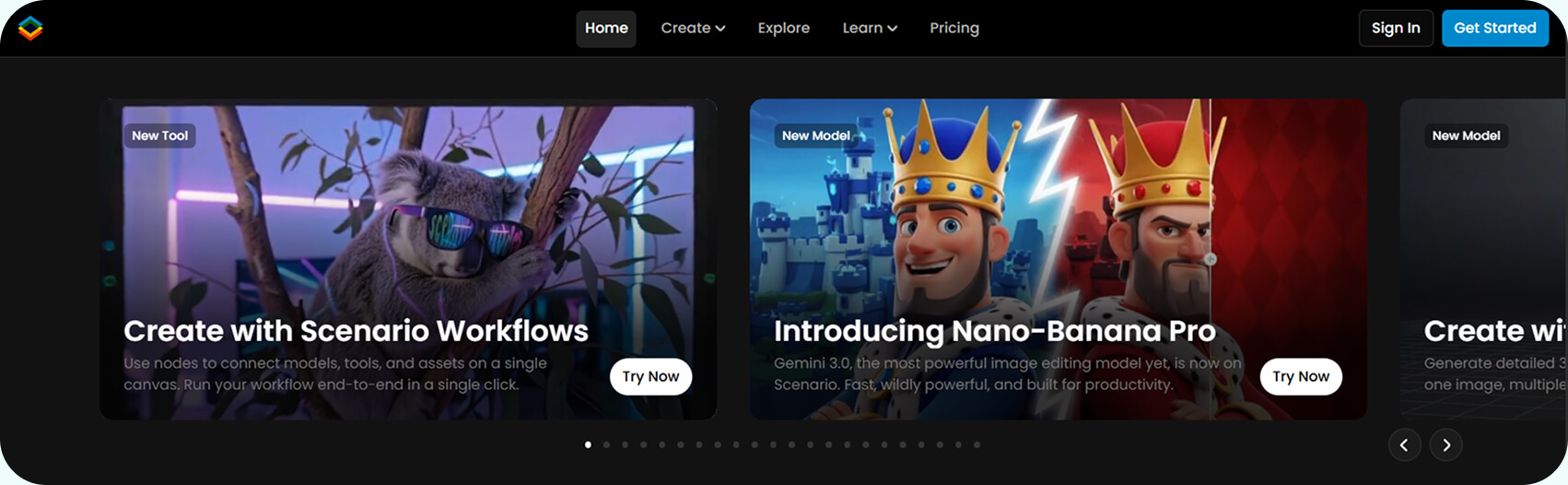
Category: Custom AI art model training
How AI delivers the results partially lies in how well AI models are trained. With Scenario, game designers can train AI models on their own art style. Thus, AI can create visuals that match teams’ specific art direction.
Key features:
- Custom-trained style models
- Consistent asset generation
- Scalable production of variations
- Studio-level pipeline integration
Where it fits in the pipeline: Ongoing asset production. Scenario is most valuable after a studio has already defined its art direction and visual identity. Once the style guide and visual language are established, Scenario can be trained on that material to generate even more assets and do that stylistically consistent.
Ideal use case: Studios that need lots of assets done in a defined style. If you have a strong art direction and want to scale production without re-briefing artists all the time or correcting stylistic inconsistencies, this is the best AI for the gaming industry in this niche.
Promethean AI
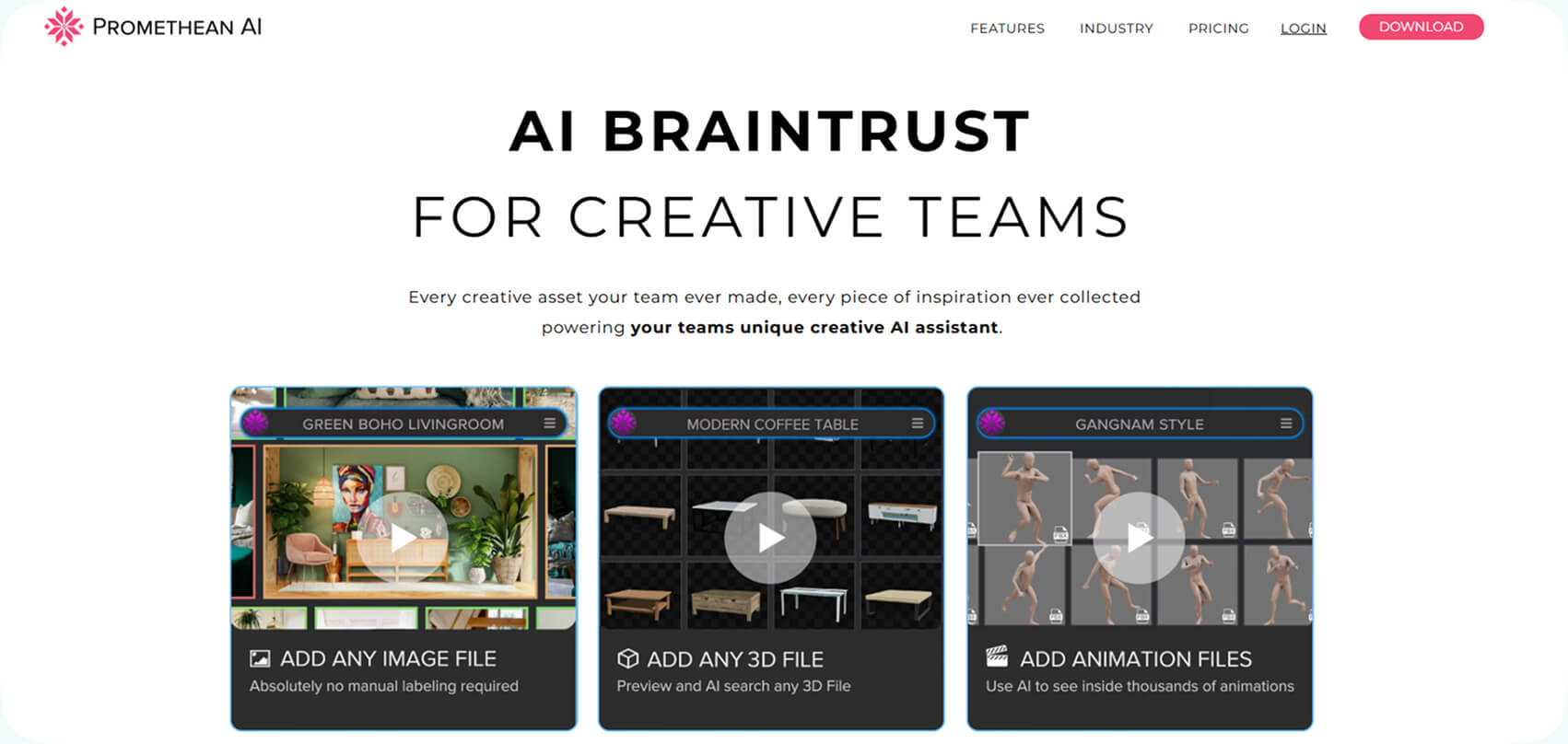
Category: Environment generation and world-building
Developers always need help when it comes to creating an environment. Otherwise, as in many other development areas, it took too much time. Promethean AI suggests and kind of like “offers” to place certain objects in scenes. Besides, it learns how exactly the developer acts, so over time, its suggestions are more precise. Modern AI tools for game design tend to learn based on the user’s behavior.
Key features:
- Placement of assets
- Assistance in scene composition
- Integrates with major engines
Where it fits in the pipeline: Level design and environment building. It is good for a production phase, specifically during environment assembly and world building. After core assets (models, props, materials) are created, environment artists and level designers must place, arrange, and balance those assets inside the engine. This tool can be an assistant to this process.
Ideal use case: Large open-world or complex environments to save time. Otherwise, manual placement would take weeks. Generally speaking, Promethean AI can be valuable in projects that require expansive open worlds, urban environments or large interior spaces.
Layer
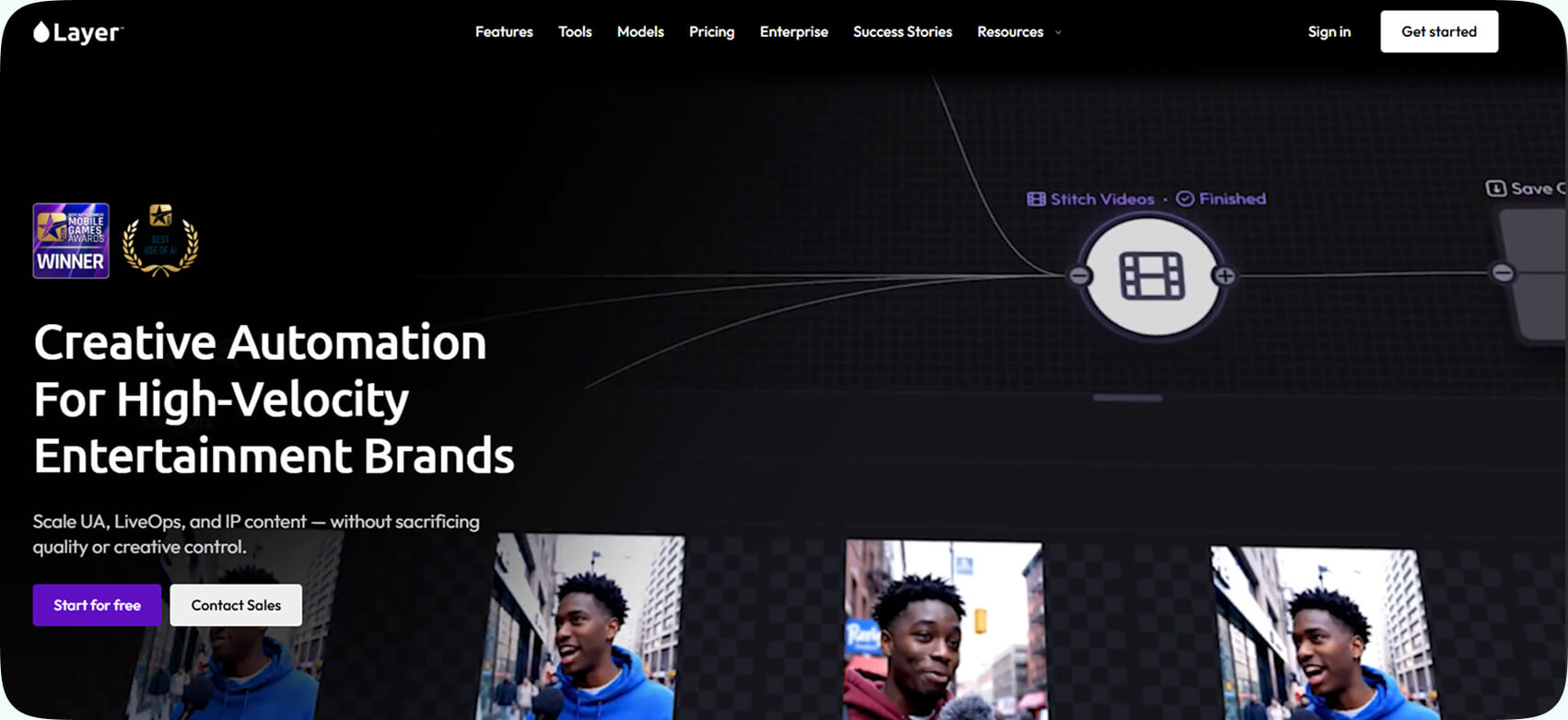
Category: Studio-integrated asset production
Layer provides AI tools built specifically for professional designing pipelines. It supports 2D, 3D, and even video asset workflows which makes it one of the best AI game development tools.
Key features:
- Pipeline-friendly AI integration
- Asset management support
- Tools for achieving style consistency
Where it fits in the pipeline: Mid-to-large studio production environments. It can be a creative experimentation tool, but also an infrastructure that integrates into structured studio workflows. It supports the scaling phase of development, when you are moving from ideas to creation of assets.
Ideal use case: If you need AI embedded into your art workflows, this is the tool for it. Especially if you manage large art teams or produce high volumes of assets across 2D and 3D pipelines.
Luma AI

Category: Text-to-3D asset generation
Luma AI works by making a simple, but highly useful idea real. You type text prompts and receive detailed 3D models. What’s good for developers is that outputs are imported into game engines. This is almost a perfect choice for very quick asset generation.
Key features:
- Text-to-3D model generation
- Engine-ready exports
- Video-to-3D capture options
Where it fits in the pipeline: 3D prototyping and asset exploration. So, the best phase would be early production and prototyping stages, when teams need functional 3D assets quickly rather than fully polished models.
Ideal use case: Generating environmental props, early character models, or placeholder assets. Generating early character meshes for gameplay validation and producing temporary assets while final models are still in development.
Plask
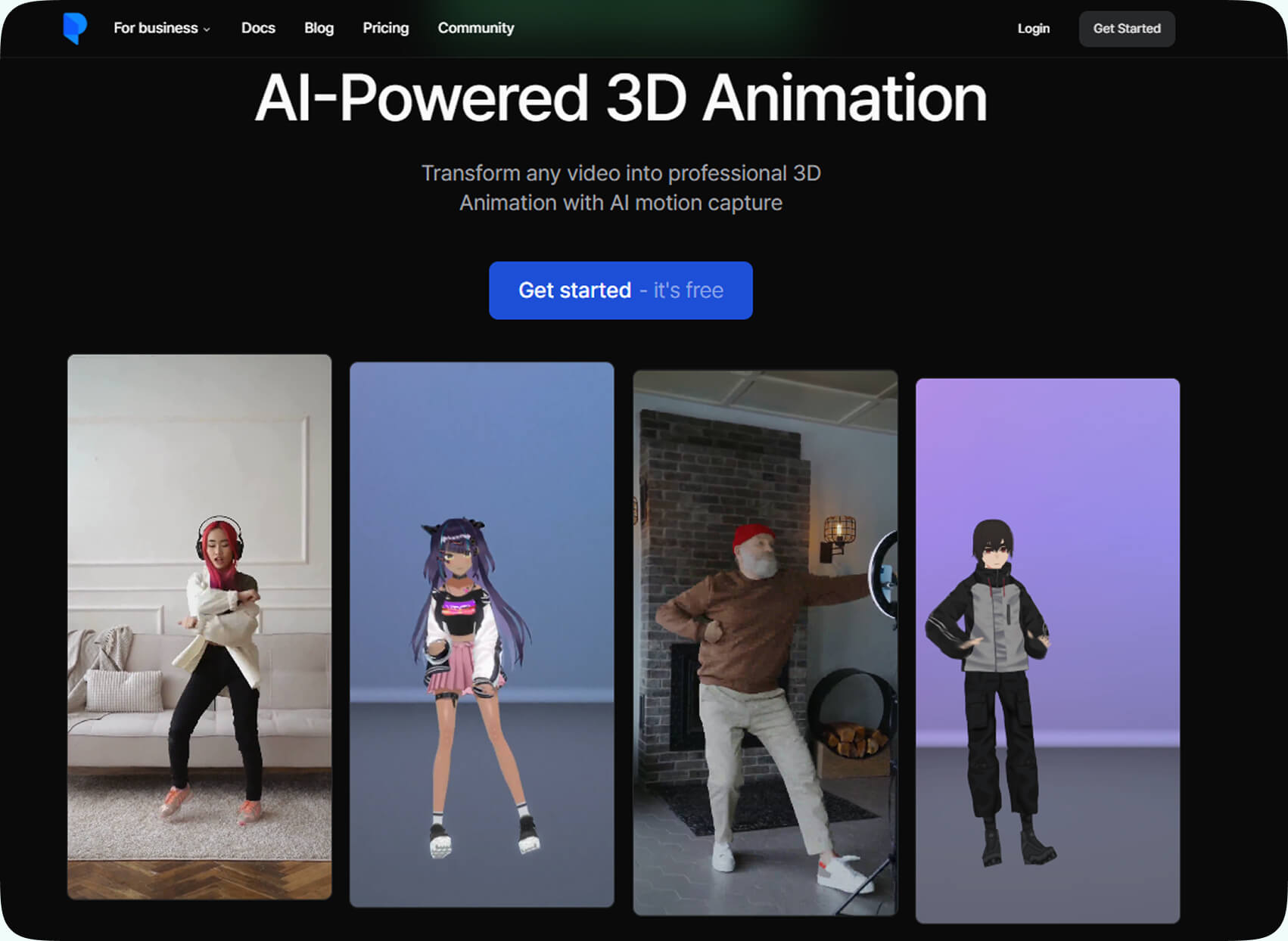
Category: AI motion capture
Plask does something that would sound amazing a few years ago for many development studios: it converts regular video footage into 3D animation using AI motion capture. You don’t need a traditional mocap studio setup, which was the case for a long time, and you can still have results incredibly quickly.
Key features:
- Video-to-animation conversion
- Browser-based workflow
- Fast motion capture generation
Where it fits in the pipeline: Character animation and prototyping. Plask fits into the animation stage of production, especially so during early gameplay prototyping and mid-production animation development.
Ideal use case: If you need animation without expensive hardware setups. Plask is good for developers without access to professional mocap studios or small teams building character-driven games. Studios prototyping mechanics before committing to full animation budgets can rely on Plask in their arsenal of game development AI tools.
Meshy AI
Category: Game-ready 3D model generation
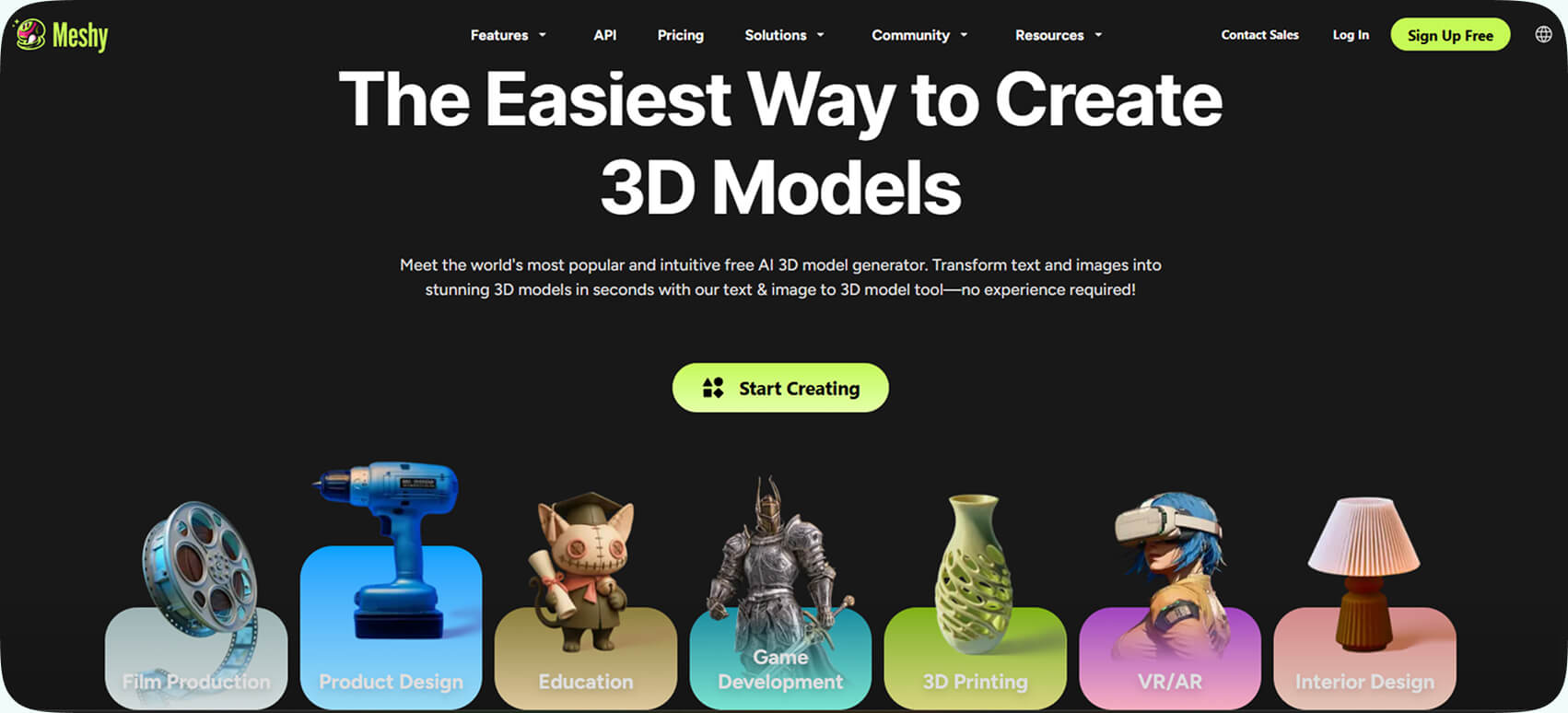
This is one of the game development AI tools that works by a simple mechanic we have already described many times: you add text description, and Meshy AI generates complete 3D models including textures, UV mapping, and proper topology.
Key features:
- Text-to-3D models
- Automatic UV mapping
- Texture generation
- Game-engine compatibility
Where it fits in the pipeline: 3D asset creation and placeholder production. It is fitting for early prototyping and scalable asset production phases. It is extremely useful once gameplay systems are defined and teams need a steady flow of 3D content to add to levels or environments.
Ideal use case: Creating props, items, and background assets. If you need collectible items and equipment, as well as decorative background objects, Meshy AI is a good tool.
RADiCAL
Category: AI motion capture & 3D scene design
RADiCAL uses AI for motion capture and 3D animation workflows. In other words, you can capture movement using just standard cameras.
Key features:
- AI-based motion capture
- 3D scene support
- Animation retargeting
- Enhancement of 3D production workflows
- Generation and testing of animation data
Where it fits in the pipeline: Animation production and character movement design. That tool is good for early prototyping and full production animation workflows. During prototyping, you can test realistic character movement without waiting for scheduled mocap sessions. During production, this tool can enable scalable animation generation for games with large character rosters or extensive movement libraries.
Ideal use case: If you need motion capture that you can scale, but don’t want or can’t use physical mocap rigs. If you need frequent animation updates or large numbers of animated NPCs, you might find this tool useful.
Inworld AI
Category: AI-powered NPCs & dialogue systems
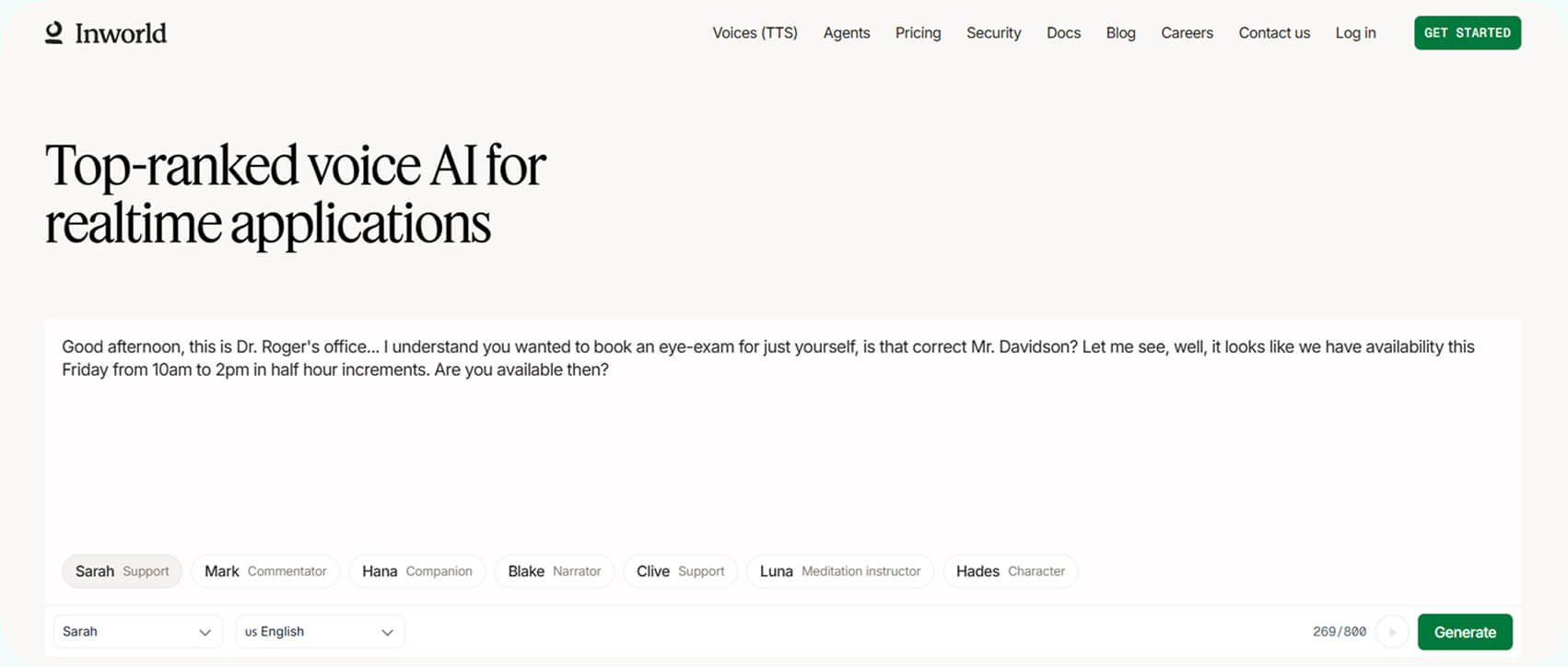
Inworld AI works with intelligent NPC systems. With this tool, developers can create AI-driven characters with depth. They can have dynamic dialogue, memory, and personality traits.
Key features:
- Real-time NPC dialogue
- Personality and behavior modeling
- Context-aware responses
- Engine integration
- Memory systems
- Voice and speech support
Where it fits in the pipeline: Narrative design and gameplay systems. The most fitting are mid-to-late production stages, once core gameplay mechanics are defined and narrative systems are being implemented.
Ideal use case: Story-driven games or immersive RPGs requiring believable NPC interaction. Or if you have simulation games with social systems or sandbox worlds with emergent storytelling.
AI Tools for Code & Development
AI in game development appeared not that long ago, but imagining any developer actually coding without AI assistance is impossible. So, let’s take a look at the most useful AI tools for code and development.
Microsoft Copilot
Category: General-purpose AI coding assistant
Microsoft Copilot is a part of Microsoft’s developer ecosystem. Or, would be better to say, a huge part now. It is not made for game-engine only. Its range is broader, and it supports programming workflows that power everything there is to power like tooling, backend systems, live services, and development infrastructure.
Key features:
- Code generation and suggestions
- Logic explanation
- Refactoring assistance
- Integration with Microsoft development tools
- Contextual help for documentation and APIs
Where it fits in the pipeline: Backend systems, tooling, live-service infrastructure, build automation, and supporting software around game production. It is useful for the technical backbone of game development rather than moment-to-moment gameplay scripting. If you build supporting systems around the game itself, you can try it out.
Ideal use case: If you are building something around games: dashboards, internal tools, or analytics systems alongside games. Also, if you are running live-service games or managing cloud-hosted multiplayer environments, this tool would be very useful. As well as for developers building internal QA or analytics dashboards.
GitHub Copilot
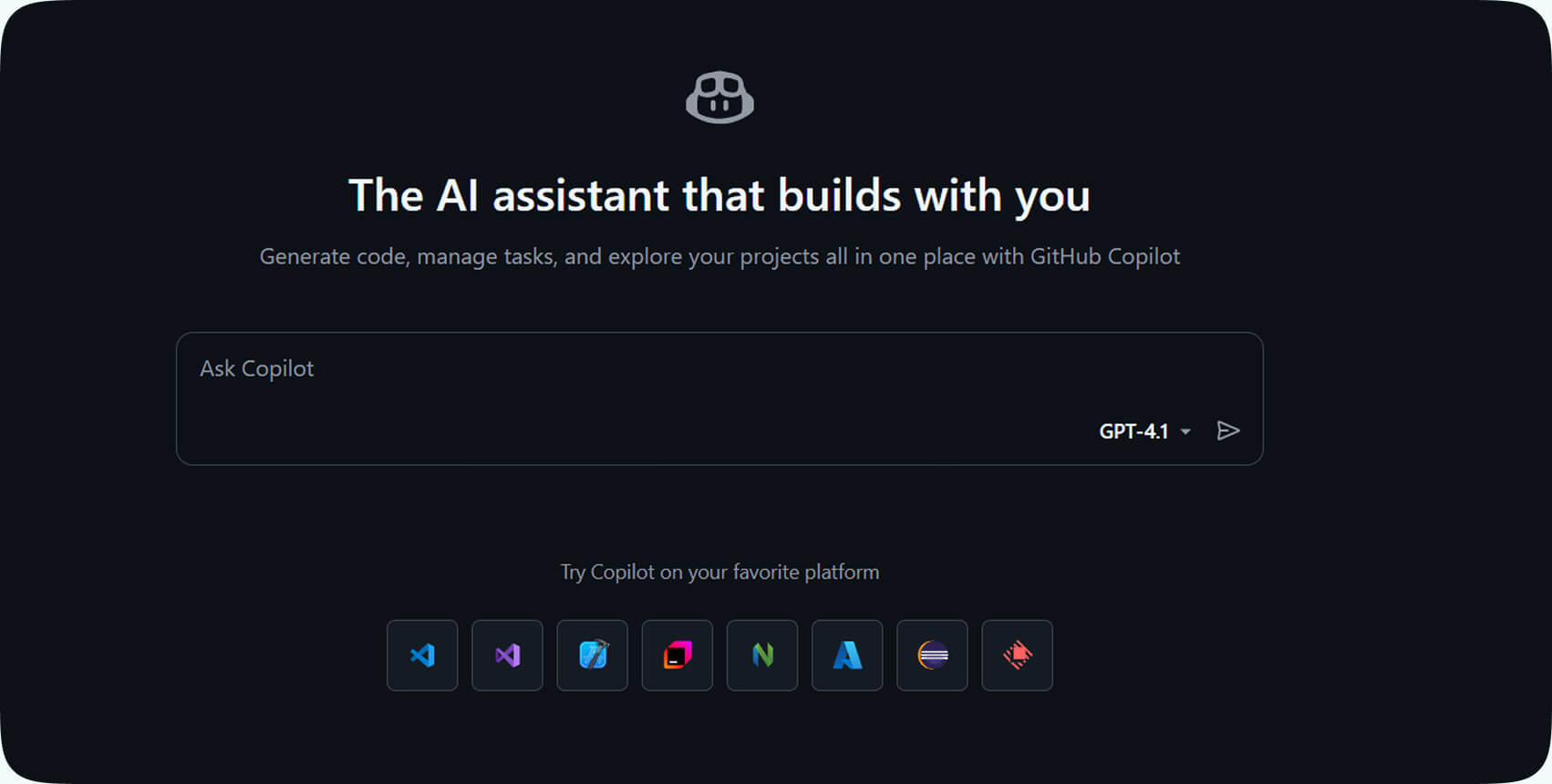
Category: AI pair programmer inside IDEs
GitHub Copilot is probably the most widely adopted AI coding assistant today. So you can imagine its capabilities with such a level of usage. Part of the appeal is that it sits inside popular IDEs and suggests code as you type, showing that it is capable of understating project context.
If you’re working inside Unity, Unreal, or a custom engine, it reads surrounding files and suggests relevant functions, systems, and patterns. Without doubt, it is one of the best AI solutions for game developers.
Key features:
- Context-aware code suggestions
- Function generation
- Boilerplate automation
- Supports multiple languages
Where it fits in the pipeline: Core gameplay programming and scripting. Best for day-to-day game development inside the IDE. It supports engineers working on gameplay systems, mechanics implementation, AI behaviors, UI logic, and engine extensions.
Ideal use case: If you are building mechanics, systems, tools, or engine-level features, you can’t miss this tool. For example, if you need iterations on feature ideas under tight deadlines, or you are working with unfamiliar codebases, that’s where GitHub copilot is useful.
Claude Code
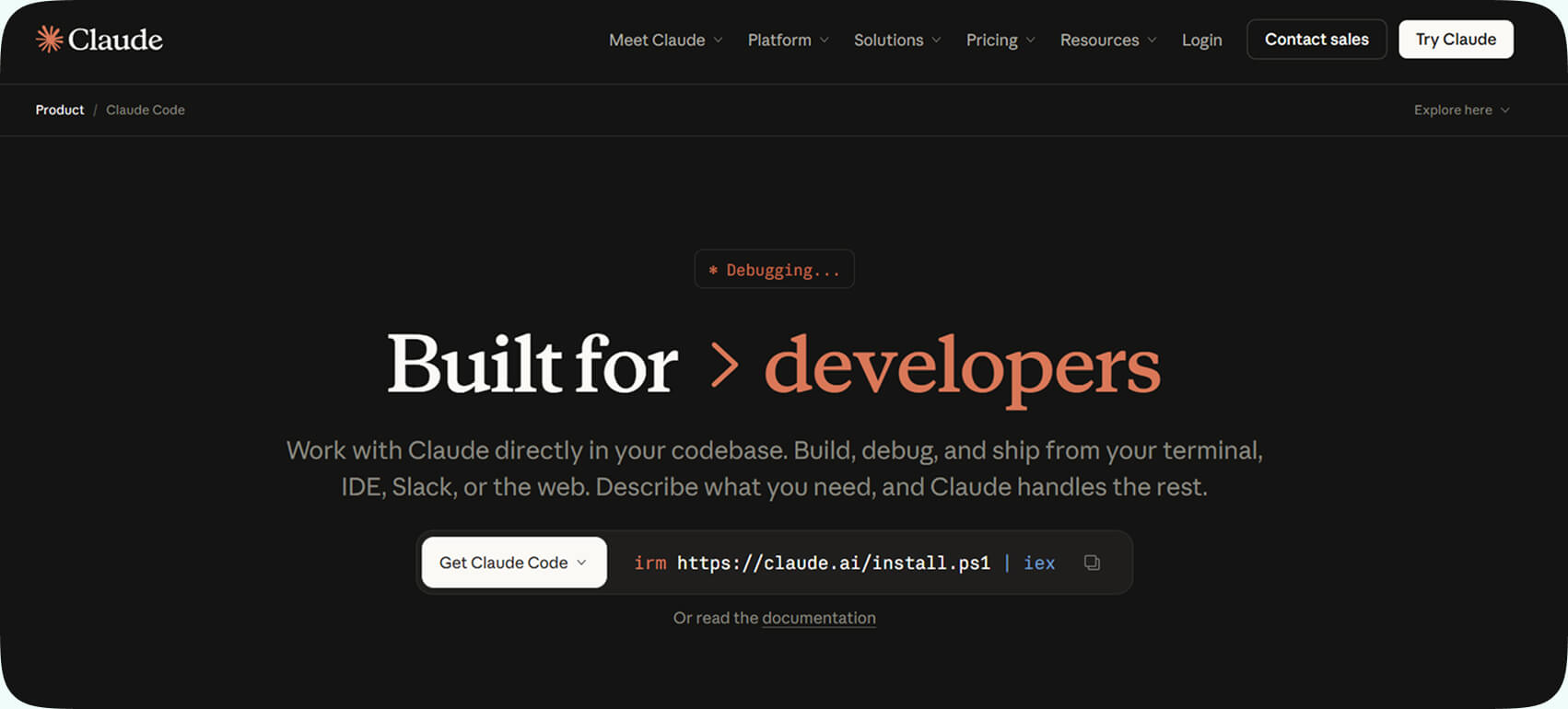
Category: Code reasoning and maintainable logic generation
Claude Code is different, and it works much less by offering you autocomplete and more on reasoning. For example, it can explain complex systems, refactor messy architecture, and even walk through gameplay logic step by step.
Key features:
- Structured code generation
- Strong reasoning across multi-file systems
- Debugging explanations
- Refactoring suggestions
Where it fits in the pipeline: System design, gameplay logic review, code cleanup, architecture planning. Claude Code fits best in stages where clarity, structure, and reasoning matter more than raw speed, because it is capable of understating and improving complex systems.
Ideal use case: When correctness and readability is important. For example, AI behavior systems, inventory logic, or combat mechanics. It is also good for AI behavior, equipment systems, combat mechanics and damage calculations. You can also benefit from economy balancing logic done by Claude Code.
Cursor
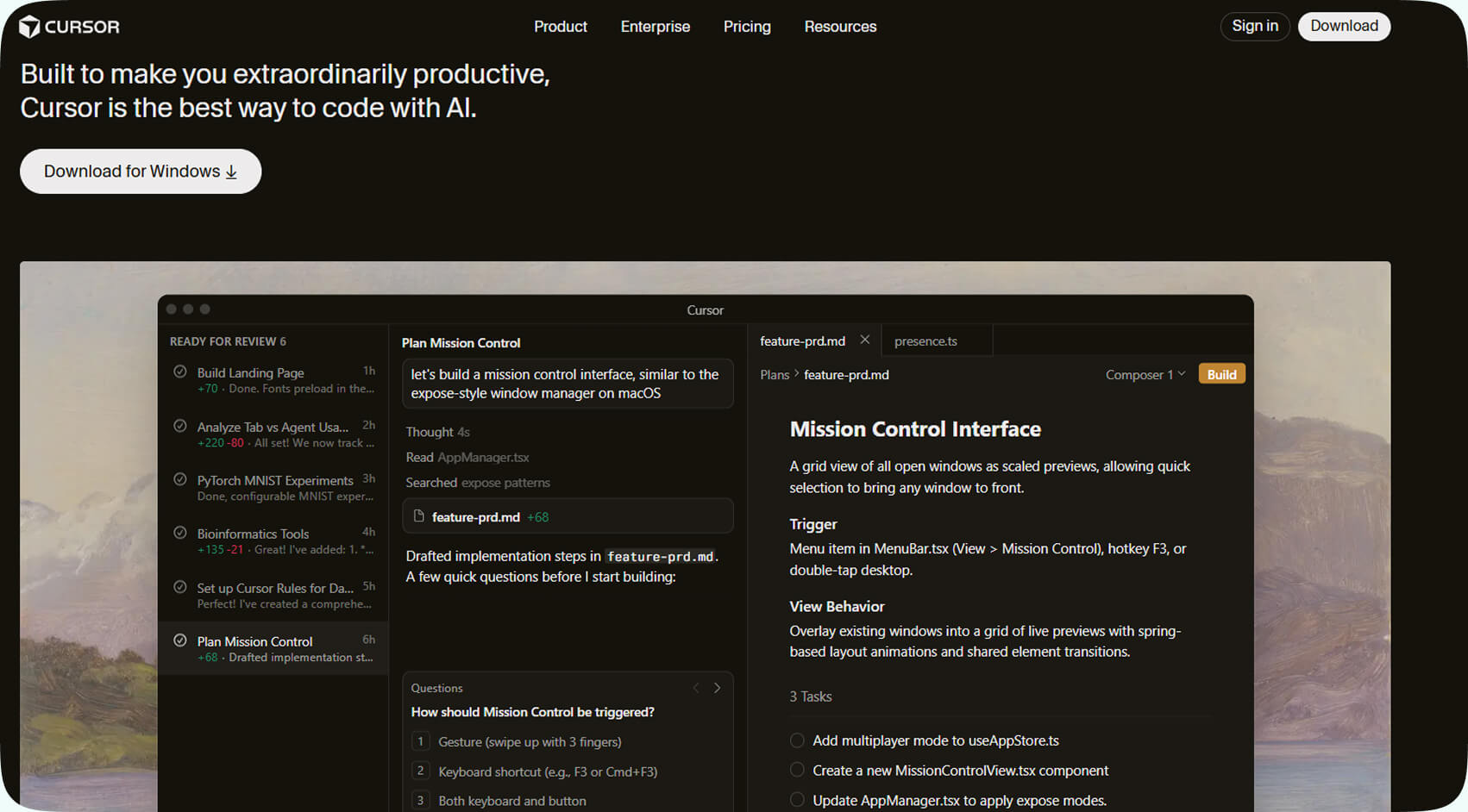
Category: AI-native code editor
Cursor is built around AI from the ground up. It doesn’t add AI to a traditional editor, but rather redesigns the coding experience around prompts and AI collaboration. For example, you can select chunks of code and say: “Refactor this to improve performance”. And it updates the code in the context that you provide.
Key features:
- AI-powered code modification
- Large codebase understanding
- Prompt-driven editing
- Built-in refactoring tools
Where it fits in the pipeline: Rapid iteration, experimentation, and architecture refinement. It fits very well in active development phases where systems are evolving quickly, and you have to be efficient and precise.
Ideal use case: Developers working on evolving systems who want to iterate quickly across large files. It is good for reworking gameplay mechanics and experimenting with architectural improvements. But if you are looking to clean up technical debt during mid-production, it is also a great tool for that.
Haddock
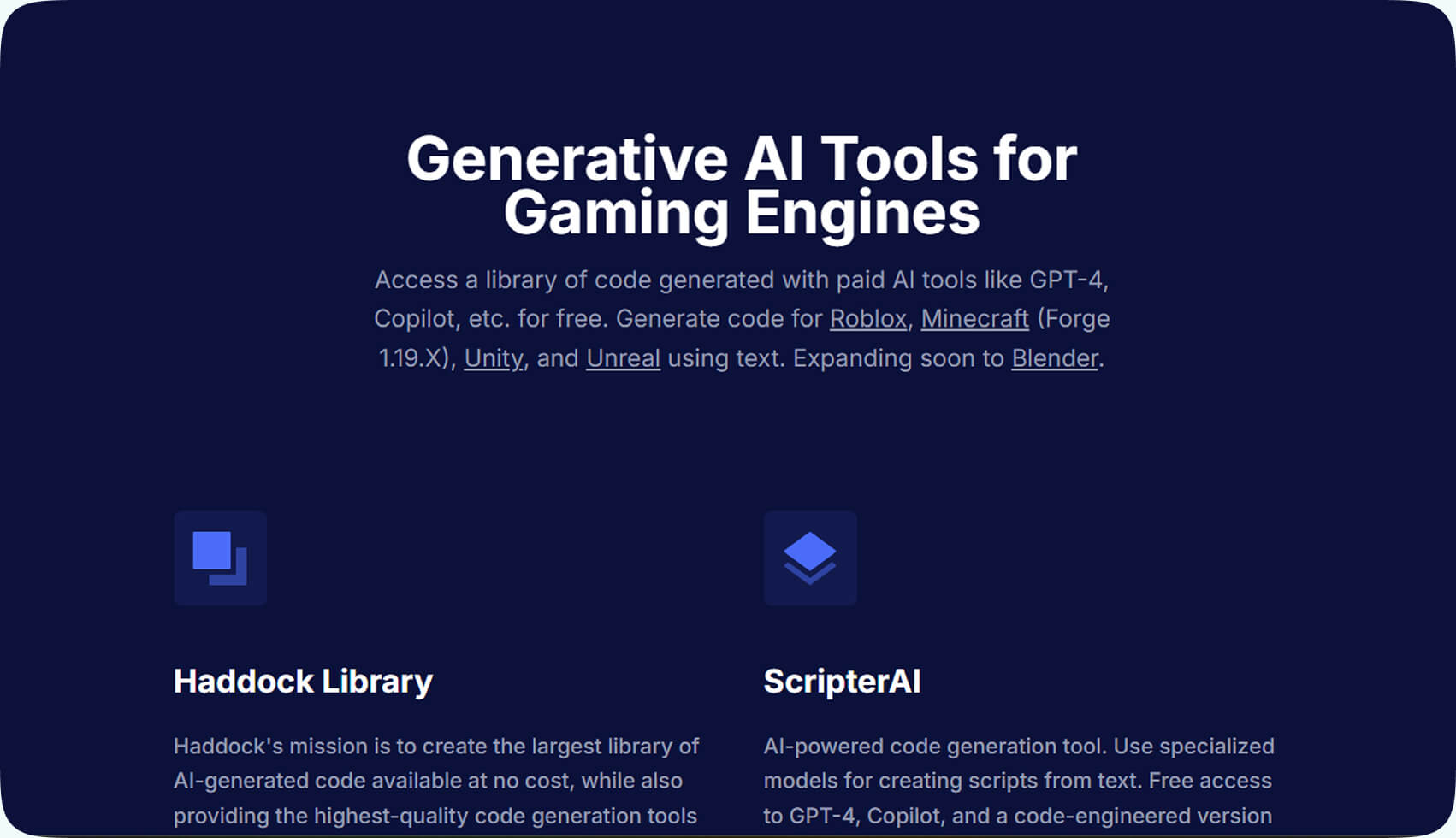
Category: AI code discovery and search layer
Haddock is something like a search engine for AI-generated code snippets. So, how does this AI in game programming work? You don’t have to prompt every time from scratch. You can just search for relevant implementations that ChatGPT or Copilot have already generated. It’s especially helpful when working with game engines like Unity or Unreal.
Key features:
- Searchable AI-generated code database
- Example-based learning
- Unity and Unreal snippet discovery
- Prototype-friendly solutions
Where it fits in the pipeline: Learning, prototyping, and quick implementation. Good for development and experimentation stages, when developers are exploring how to implement a feature or system for the first time.
Ideal use case: If you want to implement a mechanic you have never built before and need a starting point. Also, when you are learning Unity or Unreal systems or testing a concept quickly without overengineering it.
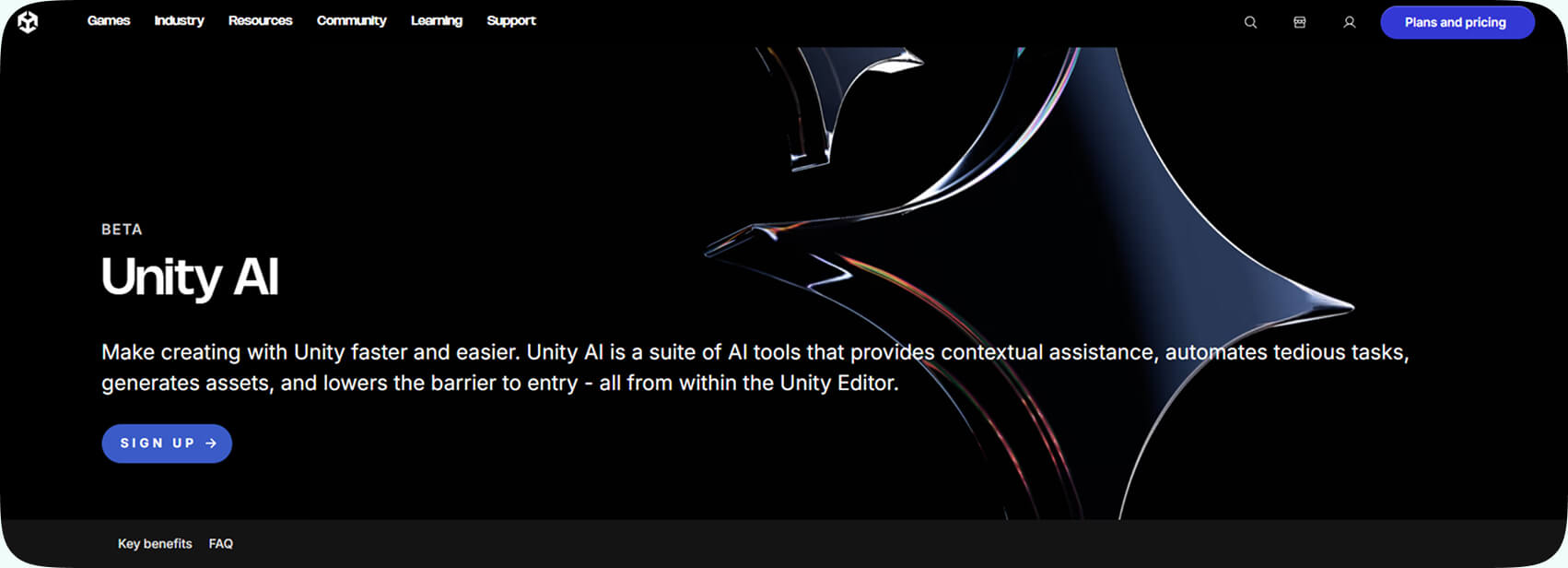
Unity AI
Category: Engine-integrated AI features
Unity AI is the tool that all Unity developers wanted a long time ago. You will have AI-powered assistance inside the Unity ecosystem. Essentially, you don’t even need external tools, because you get scripting support, asset workflow automation, and engine-level AI already in your pipeline.
Key features:
- AI-assisted scripting
- Asset workflow automation
- In-engine AI tools
- Reduced context switching
Where it fits in the pipeline: Unity-based production environments. It was designed to fit into projects built within the Unity ecosystem, supporting teams throughout active development. So, it is not supposed to be used as a separate external tool.
Ideal use case: Studios fully committed to Unity who want AI as a part of their existing workflows. Perfect for teams building long-term Unity projects or studios running live-service Unity games.
AI Tools for Sound Effects & Audio Creation
Audio used to be one of the last things added to a build. And you know exactly why – it was expensive, time-consuming, and dependent on voice actors you had to book. Not to mention that music and sound libraries had to be recorded or purchased. AI in game development has changed the speed of audio production.
Now you can prototype voice lines in minutes, and you don’t need to look for voice-over actors to localize dialogue. Let’s see what tools allow you to work faster and better with audio.
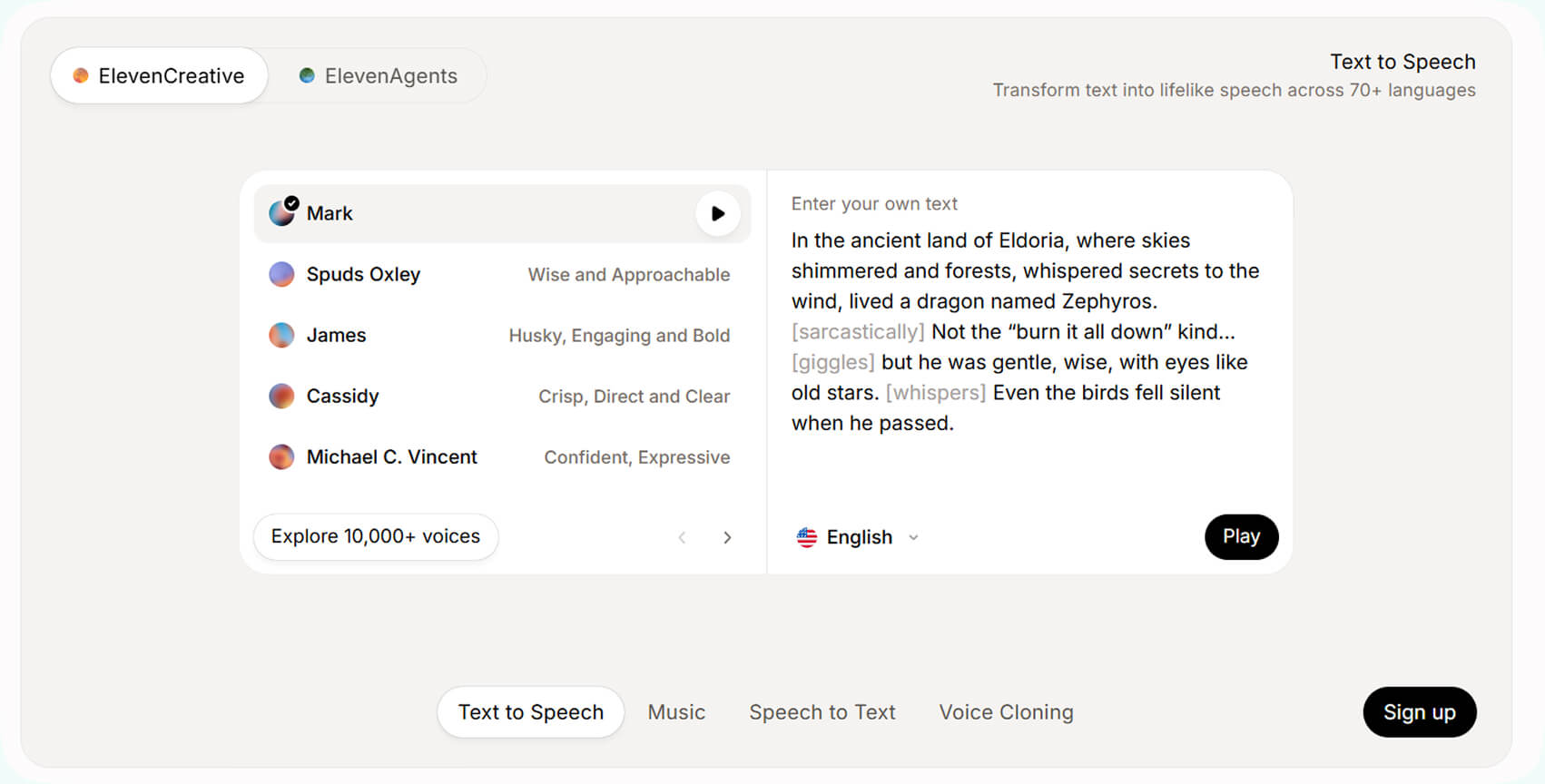
ElevenLabs
Category: AI voice-over and dialogue generation
ElevenLabs does something you would need voice over actors just recently. It’s character dialogue. Of course, it supports multiple voices, tones, and yes, languages. You can write a line of dialogue and immediately hear it performed.
Key features:
- Realistic AI voice synthesis
- Multiple character voices
- Multilingual support
- Voice cloning
- Adjustable tone and delivery
Where it fits in the pipeline: Prototyping NPC dialogue, narration, tutorials, and localization. It is perfect for narrative implementation and audio production stages. You will see a lot of use from it in early development when you need voice content quickly.
Ideal use case: Testing story scenes, creating temporary voice lines, or localizing into new languages. Very good when you are building narrative-heavy games with many dialogue lines or prototyping cinematic sequences. Might be also useful when you are expanding into new language markets.
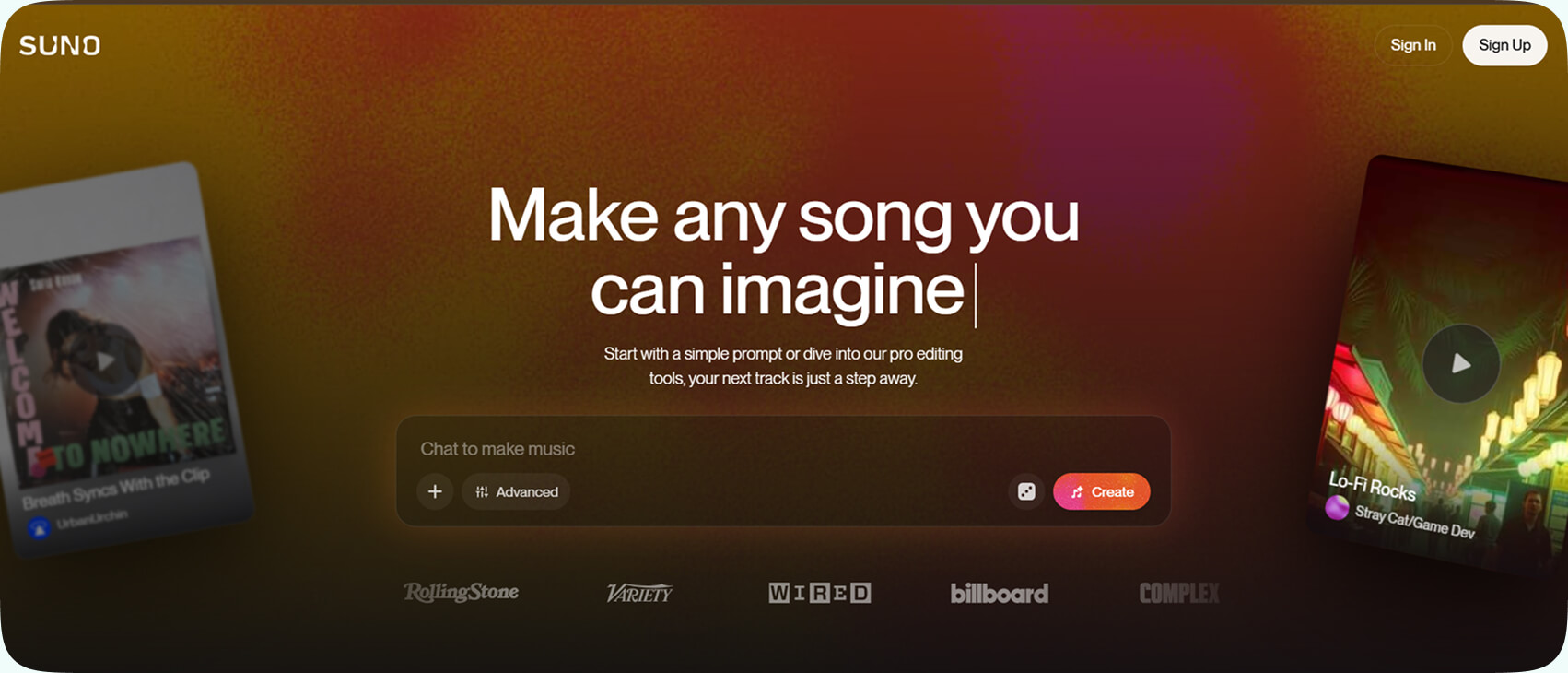
Suno
Category: AI music generation
Suno generates music tracks from prompts. As simple as that. You can do a basic interaction with AI, typical for all the tools. You just describe a mood, genre, tempo, or atmosphere, and you have a draft track within minutes.
Key features:
- Prompt-based music generation
- Multiple genres and styles
- Quick iteration on themes
- Background and ambient track creation
Where it fits in the pipeline: Early concept phase, or pre-production and early prototyping stages, when you are defining the emotional tone and atmosphere of your game. Since Suno generates draft tracks based on prompts, it might be highly useful.
Ideal use case: Setting tone during prototyping or generating temporary background music. Suno is especially effective when you have to prepare pitch presentations or test emotional atmosphere and pacing in story-driven scenes.
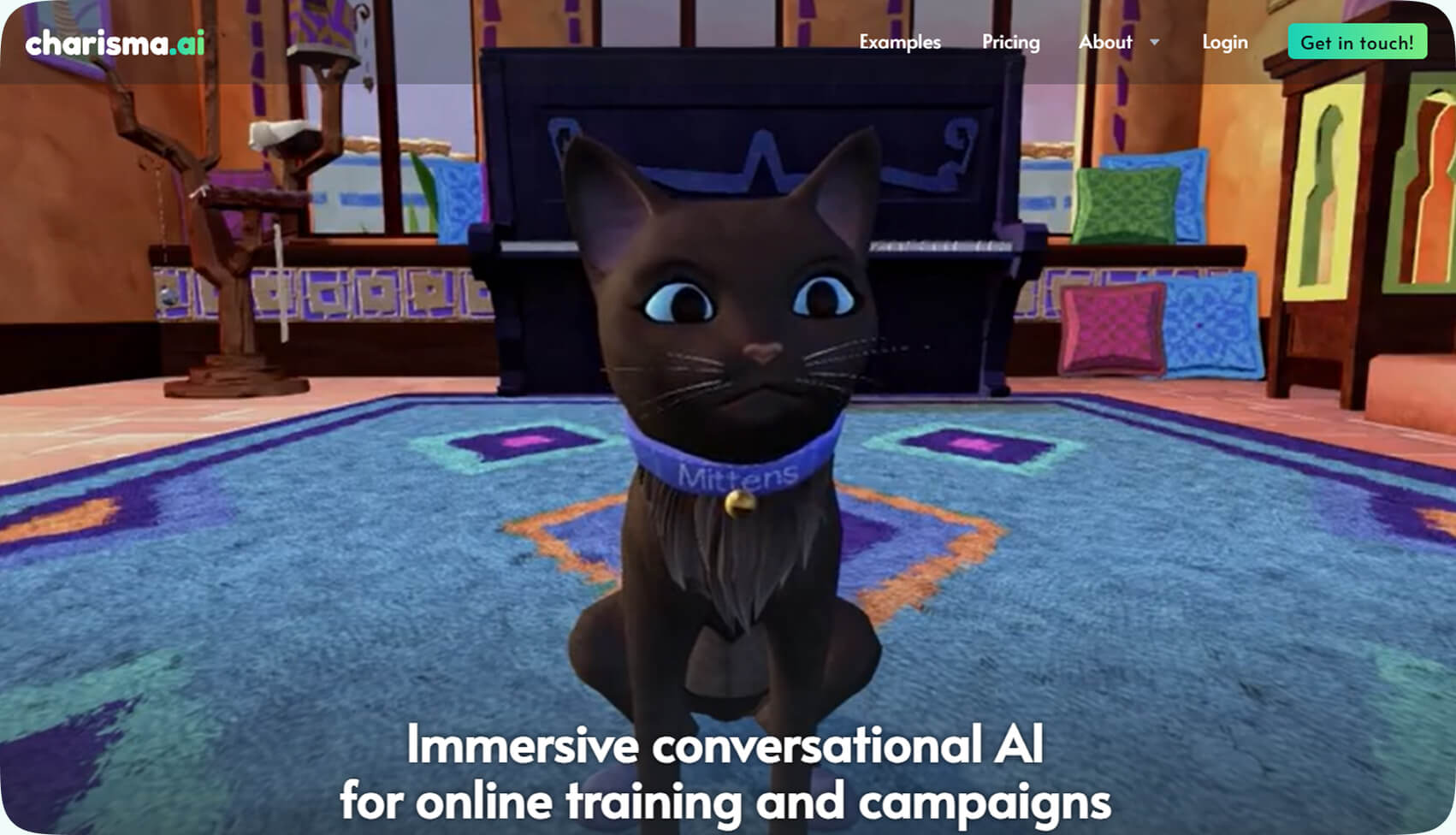
Charisma AI
Category: Interactive dialogue systems
Charisma AI works with interactive characters and their dialogues that respond to player choices in real time. So, if before that, you would have to rely on static dialogue trees, here, NPCs react naturally within narrative limits.
Key features:
- Active conversational systems
- Character personality modeling
- Real-time dialogue responses
- Integration into interactive experiences
Where it fits in the pipeline: Narrative design and character interaction systems. The perfect stage would be the one where narrative structure moves from static writing to a more interactive implementation. It is situated between traditional scriptwriting and gameplay systems, so make sure to use it there.
Ideal use case: Story-driven games, RPGs, educational experiences, or immersive simulations. One of the best AI for the gaming industry when it comes to dialogue systems. It is the best for projects where believable conversation is central to player experience.
SFX Engine
Category: AI sound effects generation
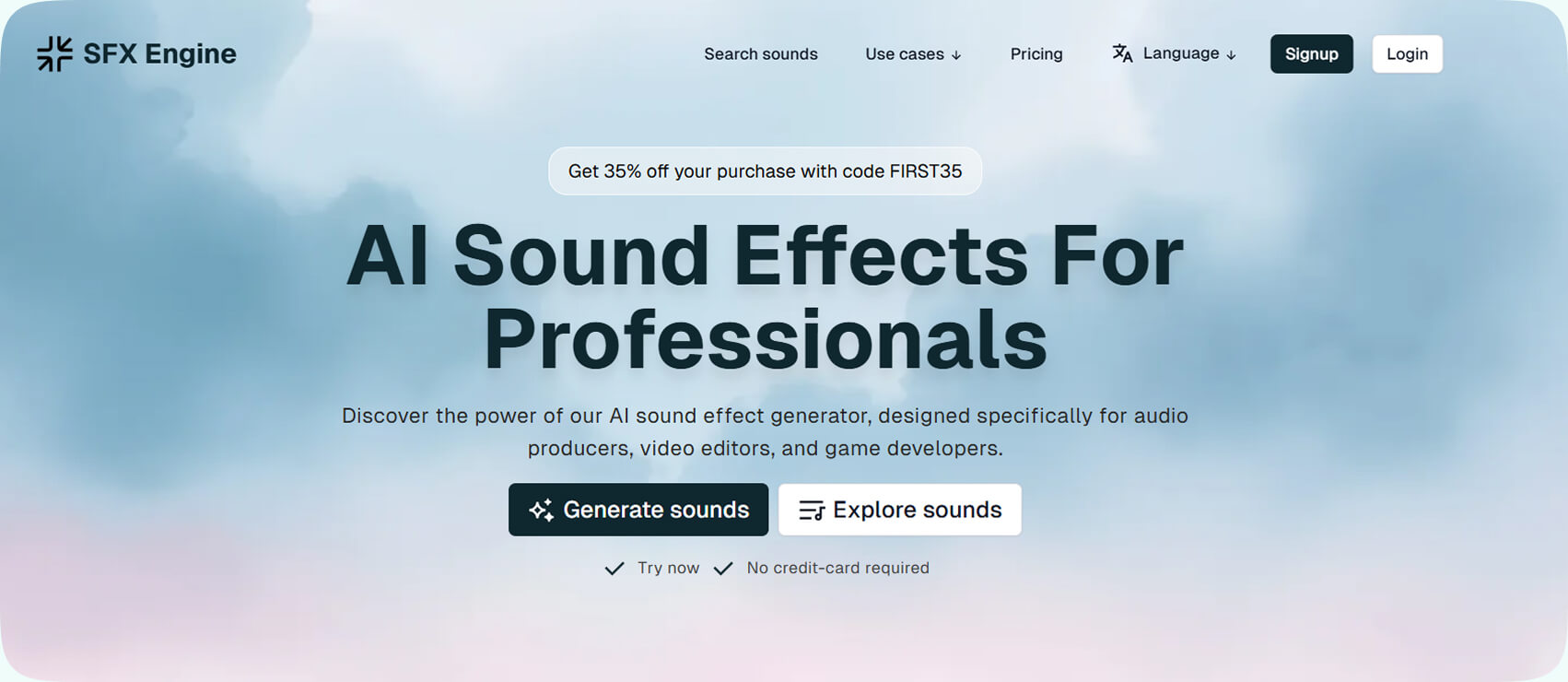
SFX Engine creates all kinds of sound effects: footsteps, ambient loops, UI clicks, environmental sounds. The biggest advantage of this particular tool is that it can give you audio effects ready for the game.
That means one thing: no need of browsing through massive SFX libraries, you describe what you need, and get it. If you add some fine-tuning after that, you’ll have great results in the end.
Key features:
- Text-to-sound generation
- Game-ready export formats
- Rapid variation creation
- Designed for interactive media
Where it fits in the pipeline: Gameplay feedback design and audio prototyping. The best moment is early-to-mid audio production stages, particularly when teams are implementing gameplay feedback systems. Sound effects are essential for communicating player actions: hits, jumps, UI clicks, item pickups, environmental interactions.
Ideal use case: Custom sound effects for early stages of development processes without licensing large pre-recorded packs. It is good for teams with limited audio budgets and those needing unique sound identities. Also, this tool will work well for projects that require many small, situational audio cues.
AI Sound FX
Category: Custom prompt-based sound design
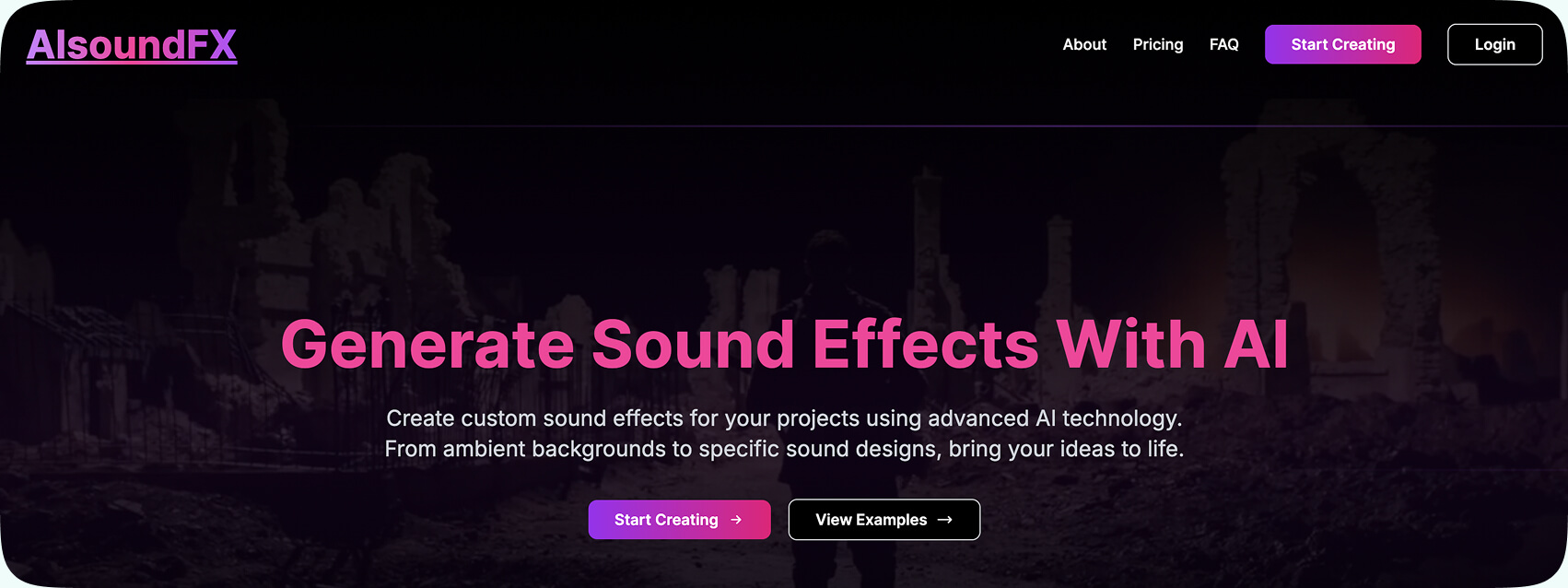
AI Sound FX generates sound effects from text prompts. Yes, it is the same mechanism, and it’s actually very similar to SFX Engine. However, it is more useful for quick experimentation and creative variation.
If you need “a metallic sci-fi door opening with heavy hydraulic pressure”, you can generate as many interpretations as you want. And very quickly with this AI for game development.
Key features:
- Custom sound generation
- Fast iteration
- Unique asset creation
- Supports rapid production cycles
Where it fits in the pipeline: Prototyping and mid-production sound experimentation. So, generally, it is well-suited for any stages where teams are shaping the game’s audio identity but still iterating on mechanics and environments.
Ideal use case: If you need unique sounds without spending too much time on it. Also, if you are building custom audio identities or don’t have dedicated sound designers. It is also good for projects requiring many small, varied sound effects.
AI Tools for QA & Testing
AI-powered QA tools give you two things AI tools generally have to provide: automation and simulation. However, these platforms also simulate player behavior and give you curious test cases. Besides, as you keep working on your game, and as it keeps evolving, you continue to receive validation for these tools.
Decipher AI
Category: Scenario testing and issue detection
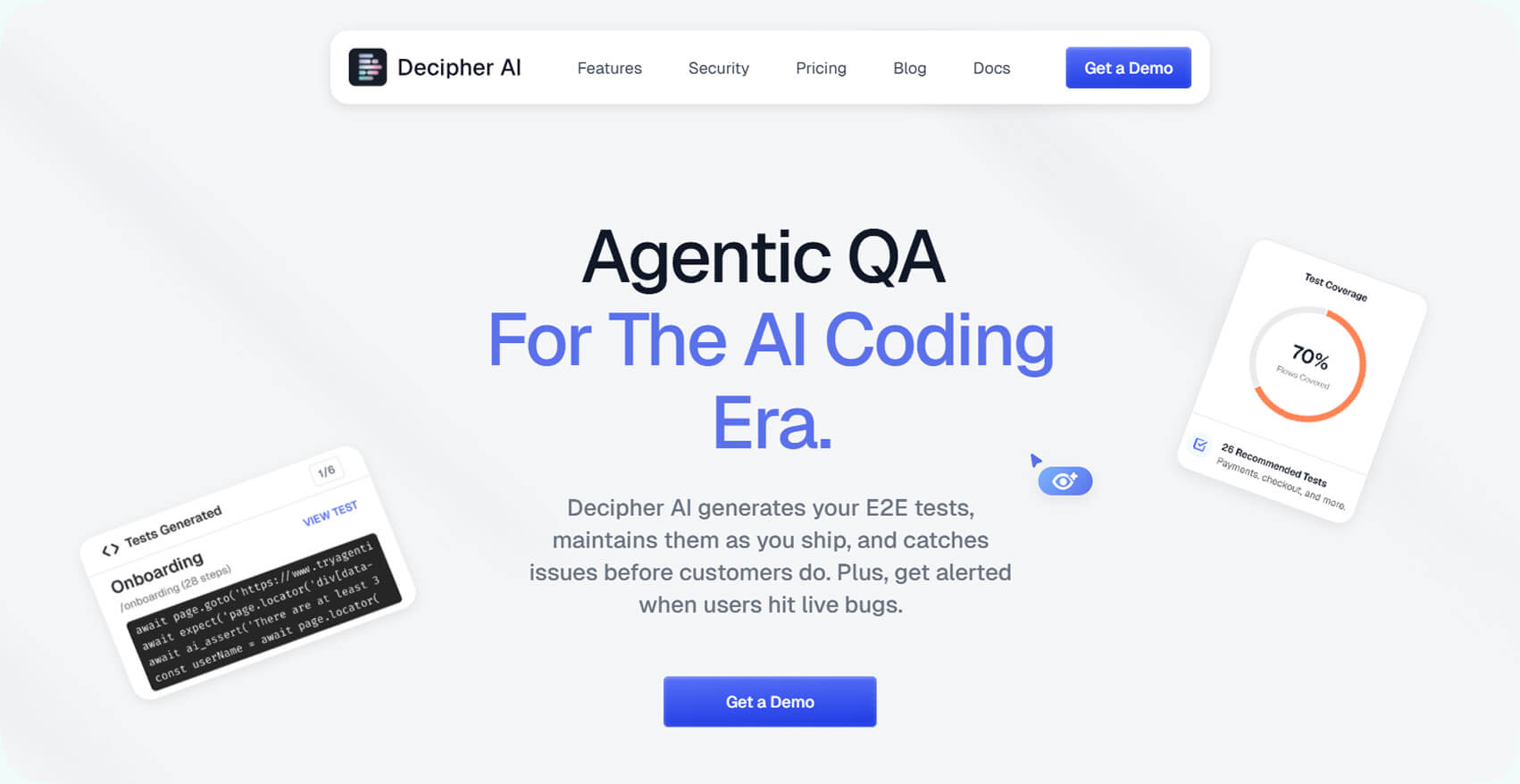
Decipher AI runs automated test scenarios on your product (fully) to detect functional issues. It also tests how features interact and if there are any inconsistencies, it will flag them.
Key features:
- Fully automated functional scenario testing
- Detects feature conflicts and system inconsistencies
- Flags interaction-based bugs (not just isolated errors)
- Scales with increasing product complexity
- Strong regression testing support
Where it fits in the pipeline: Mid-to-late production and regression testing. Use this tool if your features are being added quickly, and if you see more complexity in your systems that can malfunction at some point.
Ideal use case: Use this when your feature velocity increases and systems start interacting in unpredictable ways. It’s especially valuable in mid-to-late production when regression bugs become more frequent.
Narrative
Category: Natural-language test creation
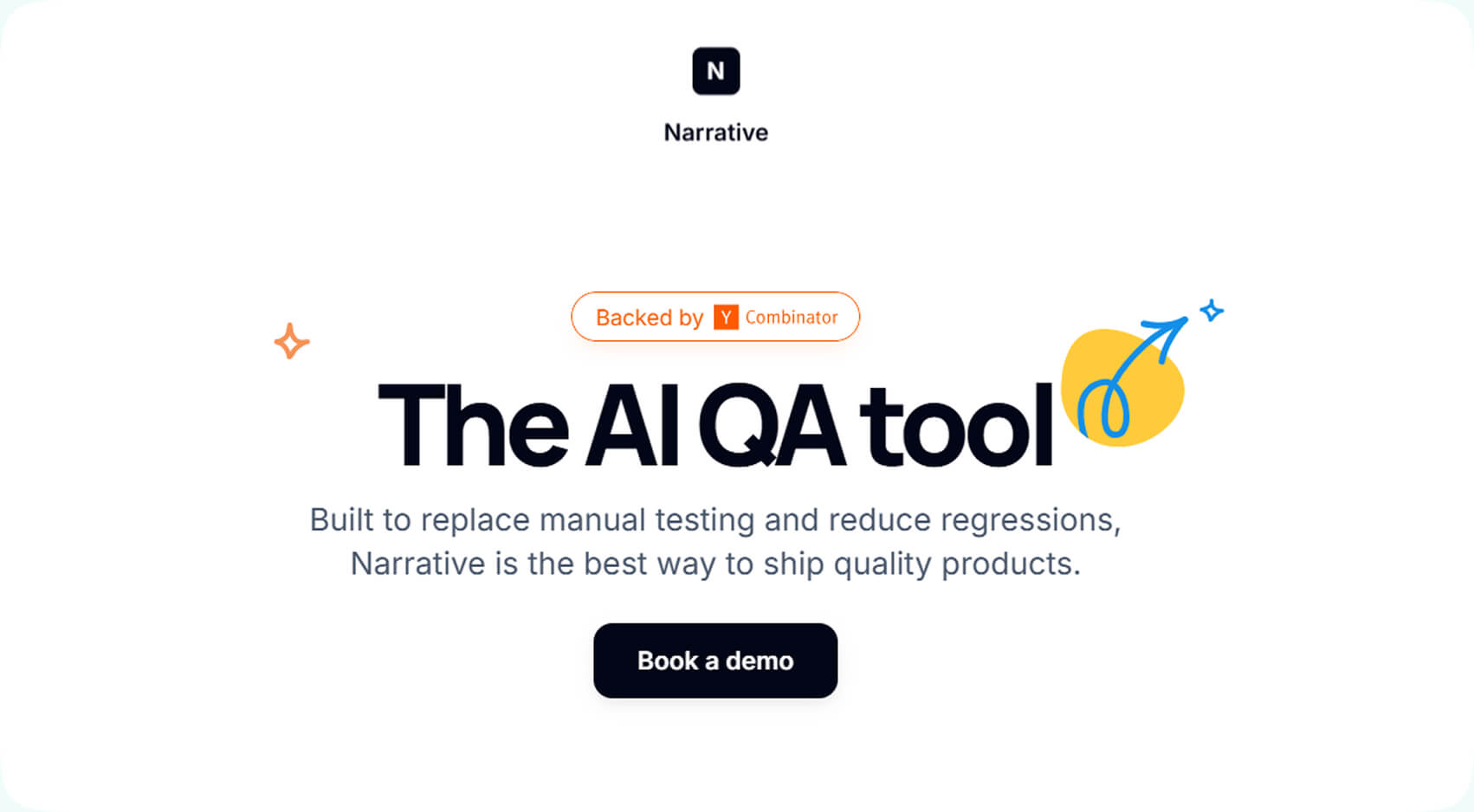
With Narrative your team can write automated tests in simple product language and get tests in minutes. You can also record steps inside the product. The idea of this Narrative is to make the technical barrier for building QA coverage lower.
Key features:
- Create automated tests using plain product language
- Record in-product user steps to generate test flows
- Reduces technical barrier for QA coverage
- Fast test generation for rapid feature validation
- Easy integration into CI workflows
Where it fits in the pipeline: Continuous integration environments and feature validation stages. Narrative fits into the testing and deployment phase of development. You can use it within CI/CD pipelines where features are constantly being updated and shipped.
Ideal use case: Best for teams that want broader QA coverage without hiring a large automation team. If designers, producers, or non-technical QA need to contribute to test creation, this tool lowers the barrier. It fits perfectly into CI pipelines.
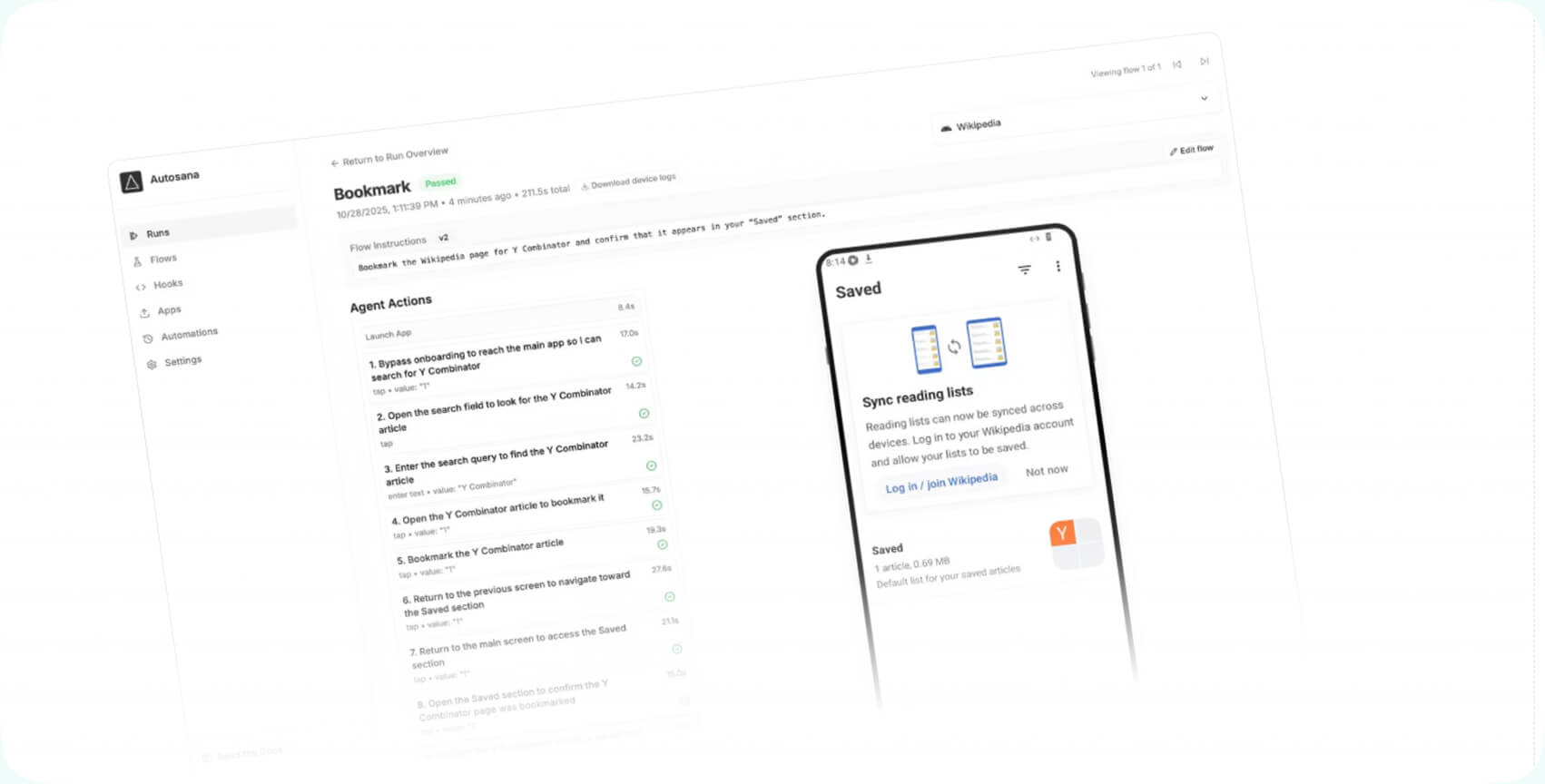
Autosana
Category: End-to-end automated testing
Autosana creates and maintains natural-language end-to-end tests. But they don’t stop, if your product is changing. On the contrary, that evolves as your application changes.
Key features:
- Generates natural-language end-to-end tests
- Automatically updates tests as the product evolves
- Maintains QA coverage without manual rewrites
- Designed for live-service environments
- Continuous validation for dynamic applications
Where it fits in the pipeline: Live service games. QA and post-launch validation workflows, especially in games that receive frequent updates. Live services evolve all the time, and this is one of the best tools to keep yourself aware about what has to be changed.
Ideal use case: Teams maintaining frequently updated games that need reliable QA automation. Autosana is especially useful for multiplayer games with backend dependencies and mobile games with weekly updates, but can work equally well for games with evolving UI flows.
Ghostship
Category: AI-driven user-behavior simulation
Ghostship uses AI agents to crawl through your product and interact with it like real users. It’s the best choice at discovering edge cases. It just can help you understand what combinations of actions cause churn or crashes.
Key features:
- AI agents simulate real user interactions
- Explores edge cases through unpredictable behavior
- Identifies churn-triggering action patterns
- Detects crash-prone interaction combinations
- Useful for both pre-launch and post-update testing
Where it fits in the pipeline: Pre-launch validation and post-update testing. Use this before launch to discover edge cases real users will inevitably find. It’s also valuable after major updates. Because this is exactly the stage when player behavior patterns will change.
Ideal use case: If your product has many branching interaction paths, Ghostship can test them differently than scripted QA flows. Ideal for teams that want deeper behavioral insight, not just pass/fail testing that gives rather generic results you can’t fully rely on.
modl.ai
Category: Player behavior simulation and balance testing
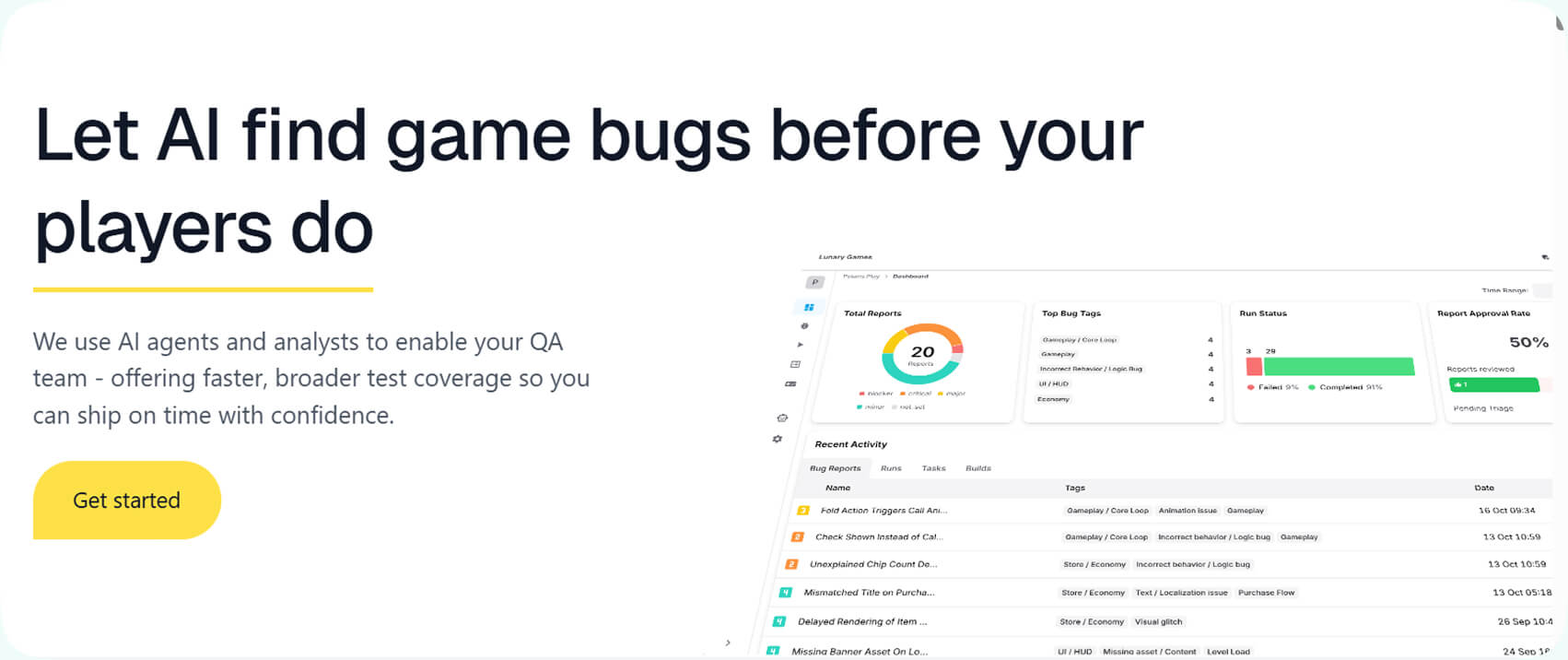
Modl.ai does all the simulations of thousands of player behaviors to detect bugs, and spot any problems that might appear after the product is on. However, they do it before launch.
Key features:
- Simulates thousands of player behavior patterns
- Detects balance issues before launch
- Identifies gameplay-breaking exploits
- Stress-tests mechanics under realistic conditions
- Supports late-stage QA and tuning decisions
Where it fits in the pipeline: Late-stage QA, balance tuning. Best used during late-stage QA when gameplay balance needs validation, but you don’t want to use real players.
Ideal use case: If your mechanics depend on player skill variance or economic systems, simulation helps to show you hidden exploits. It is incredibly good for multiplayer or competitive games where balance mistakes might cost you a lot. Use it before launch to avoid post-release patch chaos.
AI Platforms with Cross-Workflow Capabilities
Not every AI tool is good (or just a good fit) for a single production phase. Some platforms are more general, and can do things decently for every stage of game development.
Chat GPT
Category: General AI assistant
ChatGPT is the most famous language model in the world. You can do everything here: brainstorming, drafting scripts, or even creating gameplay logic, not to mention coding assistance. We all know it is used for all kinds of tasks. Despite the widespread use, this is still AI for game development.
Key features:
- Brainstorming and ideation support
- Script drafting and dialogue writing
- Gameplay logic prototyping
- Coding assistance across engines and languages
- Workflow support from concept to documentation
Where it fits in the pipeline: Throughout the entire workflow, because you can use it from early ideation to scripting support. Moreover, you can use it as an enhancement to other tools, too.
Ideal use case: There is no one ideal case as such, and there are no three of five of them. You can use ChatGPT, even though it is not a game development tool, on every stage of working on a game.
Claude

Category: Broad AI design and development assistant
Reasoning, long-form explanations, system design thinking, and clean code generation. Yep, that’s all about this Claude. To use it for reviewing systems and refining logic is an excellent idea. Of course, it is not the best AI for the gaming industry, but certainly a very useful one.
Key features:
- Strong reasoning for system design
- Clean and structured code generation
- Gameplay logic review and refinement
- Long-form documentation drafting
- Architecture planning support
Where it fits in the pipeline: System planning, gameplay logic review, and documentation refinement. It is the best for pre-production and early production, when core systems are being designed and architectural decisions need careful thinking.
Ideal use case: Best for reviewing complex gameplay systems or architecture decisions. If correctness is more important for you than speed, this tool shines. It’s useful for AI systems, combat mechanics, economy design, or inventory logic.
Gemini

Category: General creative and technical AI platform
Gemini is good for more broad AI support across creative tasks, technical research, planning, and content development. It’s a flexible assistant, it has to be used like one. Do not treat it like a specialized game engine tool.
Key features:
- Cross-domain research support
- Creative exploration and idea expansion
- Technical documentation assistance
- Planning and system outlining
- Collaboration support across teams
Where it fits in the pipeline: Research, creative exploration, technical documentation, and cross-team collaboration. Gemini is especially useful in early stages when teams are gathering references, comparing tools, or exploring design directions. It supports mid-production work as well.
Ideal use case: Strong choice when research and creative exploration overlap. If your team needs help comparing technologies or drafting documentation, it fits well. It’s not a specialized game engine tool, but a flexible support assistant.
What Makes an AI Tool Valuable for Game Development
The best, and most practical AI tools integrate very easily with standard game development environments, so you don’t have to invent anything and come up with something additional. They are compatible with the most popular engines (Unity or Unreal), version control systems (Git), and asset pipelines. Every game development team values tools that fit into existing workflows. That reduces any delays, doesn’t create extra issues and lowers adoption costs.
Moreover, AI tools are by nature collaborative. They offer features for the whole team. That includes shared workspaces, version tracking, and role-based access. Of course, they are not staying alone, and offer integration with team communication tools, so you don’t have to disrupt anything. AI for game development is always collaborative.
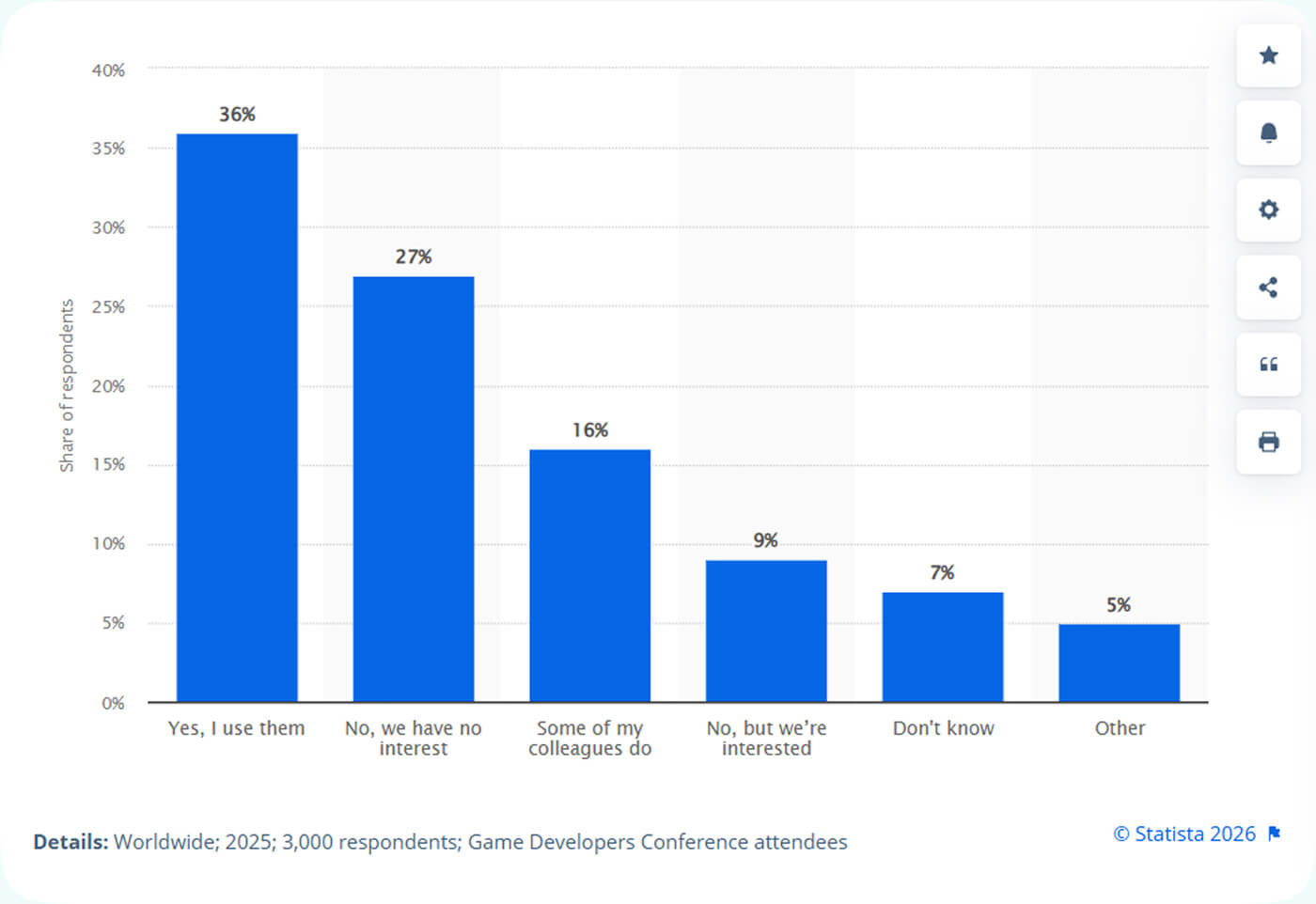
Share of game developers worldwide whose studios or departments are using generative AI tools in 2025
But how do you differentiate quality AI tools? For starters, they must scale from small prototypes to large production environments. It is just a must, no less.
Tools should support different genres and platforms. They also have to be suitable for different team sizes, offering capabilities for long term use.
Finally, what you want to look for is multimodality. It is probably one of the most obvious parts when it comes to bringing value: such AI tools can work with multiple things, and they can, for instance, support coding, visual asset generation, animation, and audio. And, in some cases, many more processes. So, developing teams have a chance to consolidate tools and accelerate production across multiple disciplines.
Pro Tip: Use AI for divergent thinking. Don’t rush to use it for a final decision. Generate 10 mechanic variants, then manually evaluate balance and feasibility.
How to Choose the Right AI Tools for Your Project
Many teams choose tools without actually going deep into their capabilities, and instead follow the hype. Well, it is always better to choose tools based on project type, budget, and workflow. Not every studio is the same, and not every studio needs the same level of AI sophistication. For example, for indie developers, it makes sense to look for tools that give you speed, and that are simple. You don’t need enterprise level infrastructure. But if you are AAA, integration depth matters a lot. You will need API access, and security policies.
What else? Let’s find out.
Compatibility with Your Game Engine (Unity / Unreal / Custom): This is the first thing you need to know about. Your AI game development tools must integrate without a single issue with the engine in use. Check if they have support for native file formats, asset pipelines, and scripting environments. Why do you need that? For a simple reason: to avoid costly rework.
Data Privacy and IP Protection: Another basics, but if you overlook them, it might play badly on you. Very often developers just go to capabilities and then stop inquiring about game development AI tools. However, you have to check how tools handle uploaded assets, source code, and prompts. Developers should check data retention policies, training usage, and IP ownership terms. It is especially important for commercial projects.
Team Workflow Fit: AI in game programming should be a match. A match to many things developers already do and how they tend to work collaboration-wise. Also, tools built for solo use may not scale to studio environments, so always check if that’s the case when it comes to your choice.
Red flags
Obsolete or Poorly Maintained Models. Even though AI for game development is a relatively new invention that absorbed all modern standards, it doesn’t mean some tools might be bad. If tools are not regularly updated, you’ll see low-quality results, or at least not the best results possible. Also, updates and maintenance for the tools is vital for keeping pace with modern engines and platforms.
No Export of Usable Game Assets. Tools that only generate images or previews without engine-ready assets (models, textures, animations, code) are bad for developers. They create even more bottlenecks and issues, while the whole point of them was to save time.
Locked-In or Closed Ecosystems. Some tools may cause problems by trapping your workflows or assets you’ve created inside proprietary systems. Carefully check if that’s the case. Later, it will be difficult to migrate or integrate your data and things you worked on with other tools.
Also, remember that even though AI tools are powerful and capable of making things faster, the real value comes from human judgment and the skills professional developers have. That’s why combining human experience and AI tools is much more beneficial than merely relying on an AI toolkit, no matter how advanced it is. The best decisions for development processes and their final results come from professionals using AI to enhance the whole process.
Wrapping Up
Using AI solutions for game developers is now an inevitable part of all processes. They are very important and highly practical for modern game development. Maybe a few years ago it was an experiment, add-on. But now, game development AI tools are actually integrated components of professional game pipelines.
Their value is hard to underestimate. They accelerate production and improve creative output, making it much easier for development teams of all sizes to spend less time on repetitive tasks.
Always assess AI tools for game design in the context of your own workflow, team size, and project goals. The best AI for the gaming industry is not necessarily something universal and useful for everyone. Look for those AI tools that integrate well with your existing engines, pipelines, and collaboration practices. That’s the tool you should be looking for and adopting for your development processes.

 Loading...